

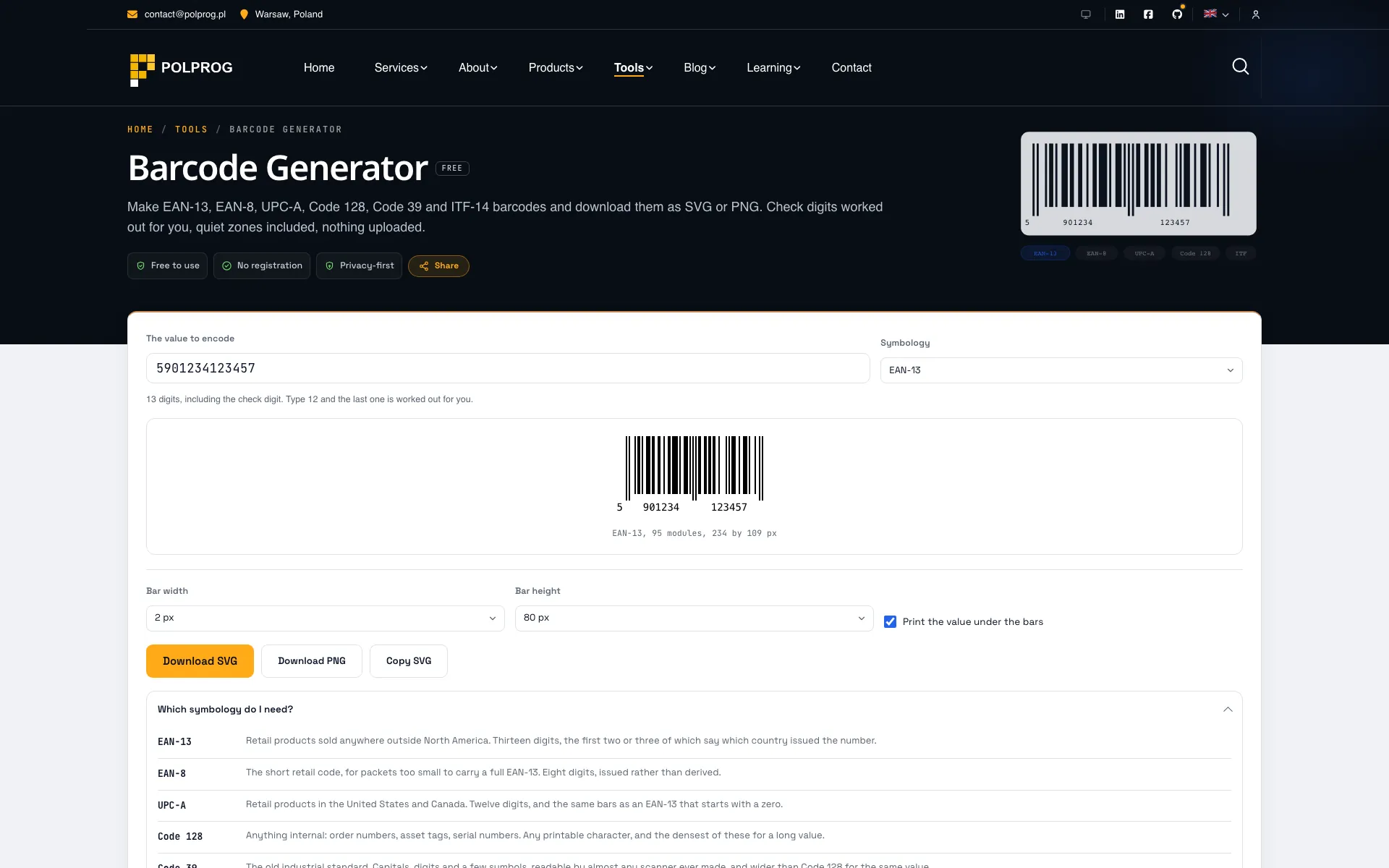
Barcode Generator FREE
Make EAN-13, EAN-8, UPC-A, Code 128, Code 39 and ITF-14 barcodes and download them as SVG or PNG. Check digits worked out for you, quiet zones included, nothing uploaded.

What this analysis covers
Measured evidence, not an estimate
The report describes the data available during this run and states what it cannot verify.
FAQ
Is the check digit calculated for me?
Yes. Type the twelve digits printed on the packet and the thirteenth is worked out and added; type all thirteen and the tool verifies the one you gave rather than replacing it. A wrong check digit is refused with the digit it should have been, because silently correcting it would produce a barcode for a different product.
Why does my barcode need the white margin around it?
That margin is the quiet zone, and it is part of the specification rather than padding. A scanner uses it to find where the symbol starts and stops; without it the first and last bars are ambiguous. Every barcode here includes its quiet zone in the SVG, which is why the image is wider than the bars. Cropping it is the most common reason a generated barcode does not scan.
SVG or PNG?
SVG for anything that will be printed. It is a description of the bars rather than a grid of pixels, so it stays exact at any size and any printer resolution. The PNG is rasterised at three times the on-screen size for the cases where an SVG will not go, and it is still a compromise: a barcode with soft edges is a barcode a scanner works harder to read.
Can I use these barcodes on a product I sell?
This tool draws the symbol; it does not issue the number. A retail barcode that will be scanned in shops needs a GTIN allocated to you by GS1, because the number identifies your company and your product in a global register. For anything internal, an asset tag, a shelf label, a workshop job number, any value you like is fine and Code 128 is usually the right symbology.
Is my value sent anywhere?
No. The encoding and the drawing both happen in this tab: there is no API call behind the page and nothing is stored. A product code before launch, a serial number or an internal reference is business data, and the safest place for it is the machine it was typed on.
What about QR codes?
A QR code is a two-dimensional symbol with a completely different encoder, and it has its own tool here rather than a tab in this one. Use the QR Code Generator for QR, and this one for the striped codes that go on packaging, shelves and cartons.

How Custom Software Helps Teams Automate Repetitive Work
Not every task should be automated, and not every automation needs a full product. The useful skill is deciding which tasks are worth it, and then building the smallest tool that actually removes them.

Custom Software vs Off-the-Shelf Tools: How to Choose for Your Business
Both options can be right, the question is which one fits the work you actually do. Here is a grounded way to decide without being pushed by either vendors or developers.
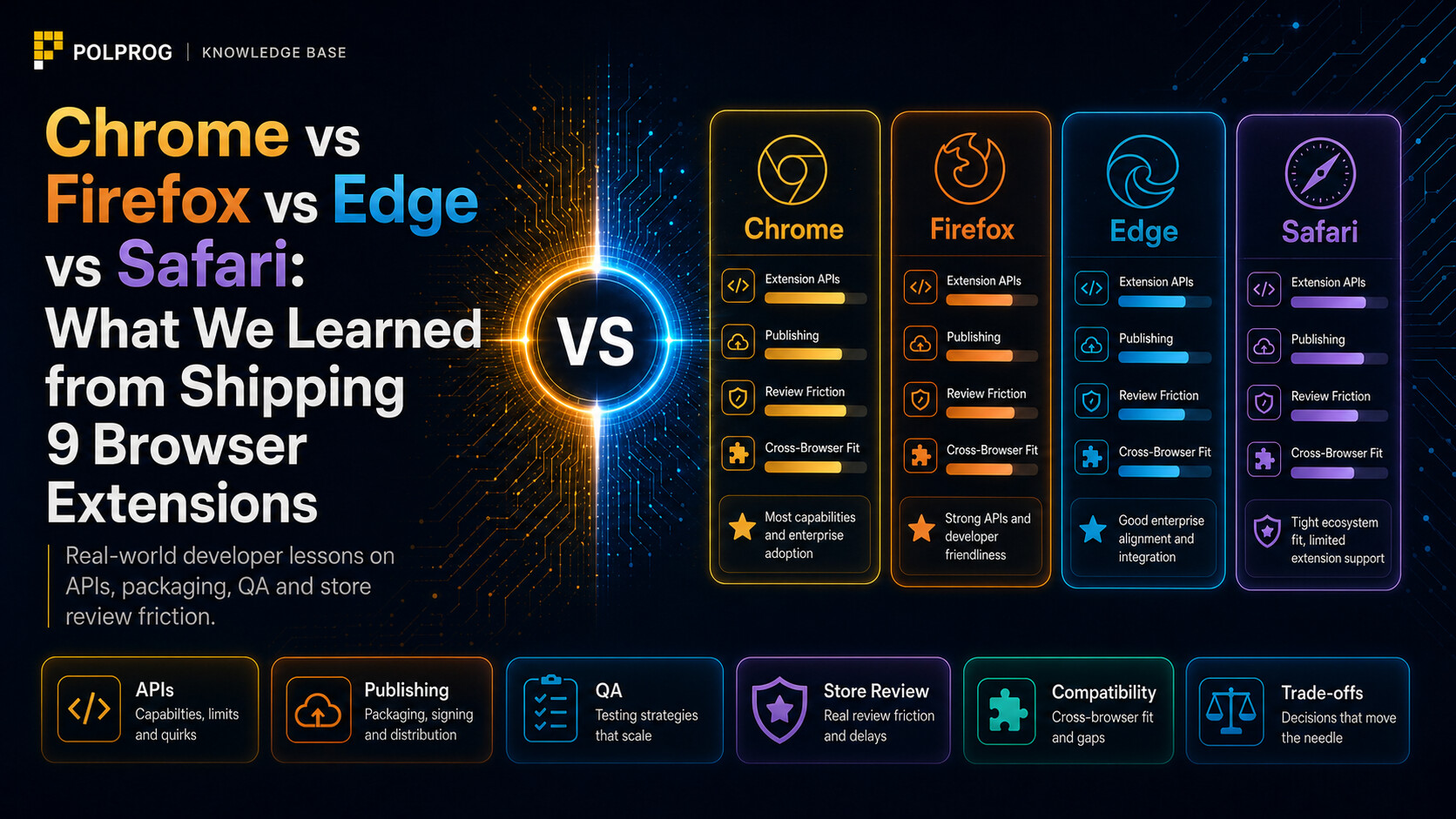
Chrome vs Firefox vs Edge vs Safari: what we learned from shipping 9 browser extensions
Nine extensions, four browsers and far more than one `manifest.json` file. We show where shared code really ends, why Safari needs a separate process and which bugs are exposed only by Firefox and extension stores.
Build a better web, faster.
We build custom software and solutions tailored to your needs.