
Interactive Architecture Graph
D3.js force-directed visualization with zoom, pan, minimap, and 6 layout modes - Force, Tree, Radial, Cluster, Flow, and Manual.


Repository Analysis & Architecture Mapping
Understand any codebase at a glance.
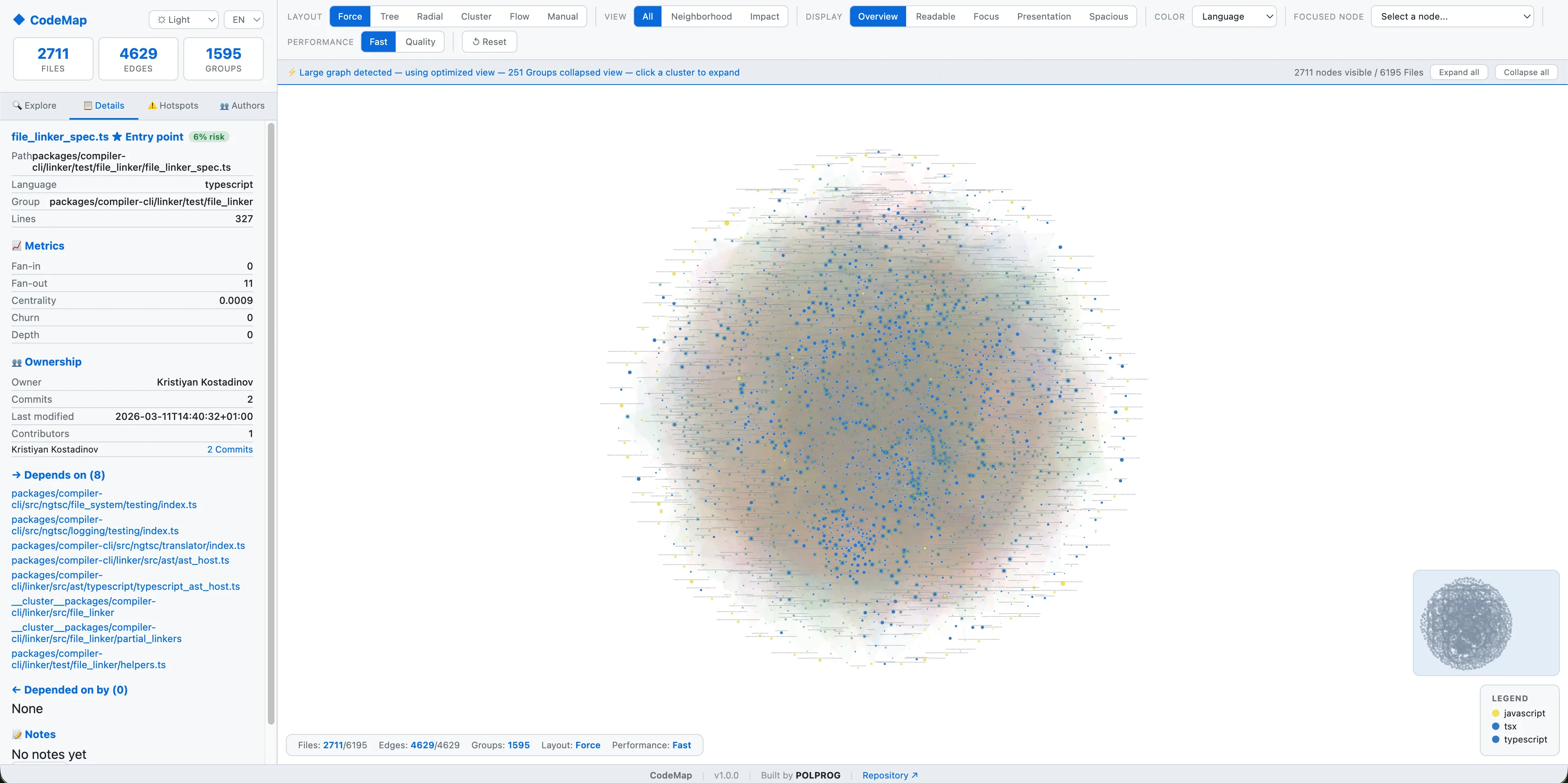


CodeMap is an open-source Python CLI tool that scans any repository, extracts module-level dependencies, analyzes git ownership and code churn, and generates a fully interactive D3.js architecture graph. It supports Python, JavaScript, TypeScript, JSX, and TSX out of the box. The generated HTML visualization includes force-directed, tree, radial, cluster, and flow layouts - with Dark/Light/System themes, full Polish and English UI localization, focused single-node exploration, author contribution overlays, risk/hotspot detection, and progressive loading for large repositories. Framework-agnostic, zero config, works on any git repository.
The most important capabilities, explained in practical terms.
D3.js force-directed visualization with zoom, pan, minimap, and 6 layout modes - Force, Tree, Radial, Cluster, Flow, and Manual.
Automatically extracts module-level imports and dependencies from Python, JavaScript, TypeScript, JSX, and TSX files.
Batch git log analysis identifies code ownership, churn hotspots, and risk areas - using only 2 git calls regardless of repository size.
Select any node from a dropdown and inspect its local neighborhood, dependencies, reverse dependencies, impact path, or flow - in isolation.
Dark, Light, and System themes with full CSS variable architecture. Theme persisted in localStorage, follows OS preference by default.
Complete English and Polish localization for the entire interactive interface - labels, tooltips, panels, legends, and status messages.
Large repositories use collapsed clusters, adaptive simulation, and on-demand expansion - keeping the graph fast and readable.
Generate HTML interactive graphs, JSON data, PDF reports, or terminal summaries. Use --fast to skip git analysis for speed.
A clear path from the official source to your first successful workflow.
Use one of the official links available for your device or browser.
Follow the store instructions or open the web application. No third-party installers.
Review the options, choose your preferences and start with the core workflow.
A transparent look at the core technologies used to build and maintain this product.
Your code never leaves your machine. All analysis runs 100% locally - no cloud, no telemetry, no account.