
Galaxy to Planet
Zoom smoothly from the Local Group of galaxies into the Milky Way, the Solar System and individual planets and moons.



An Interactive Atlas of the Cosmos
Fly from the Milky Way into the Solar System and real exoplanet systems in 3D.
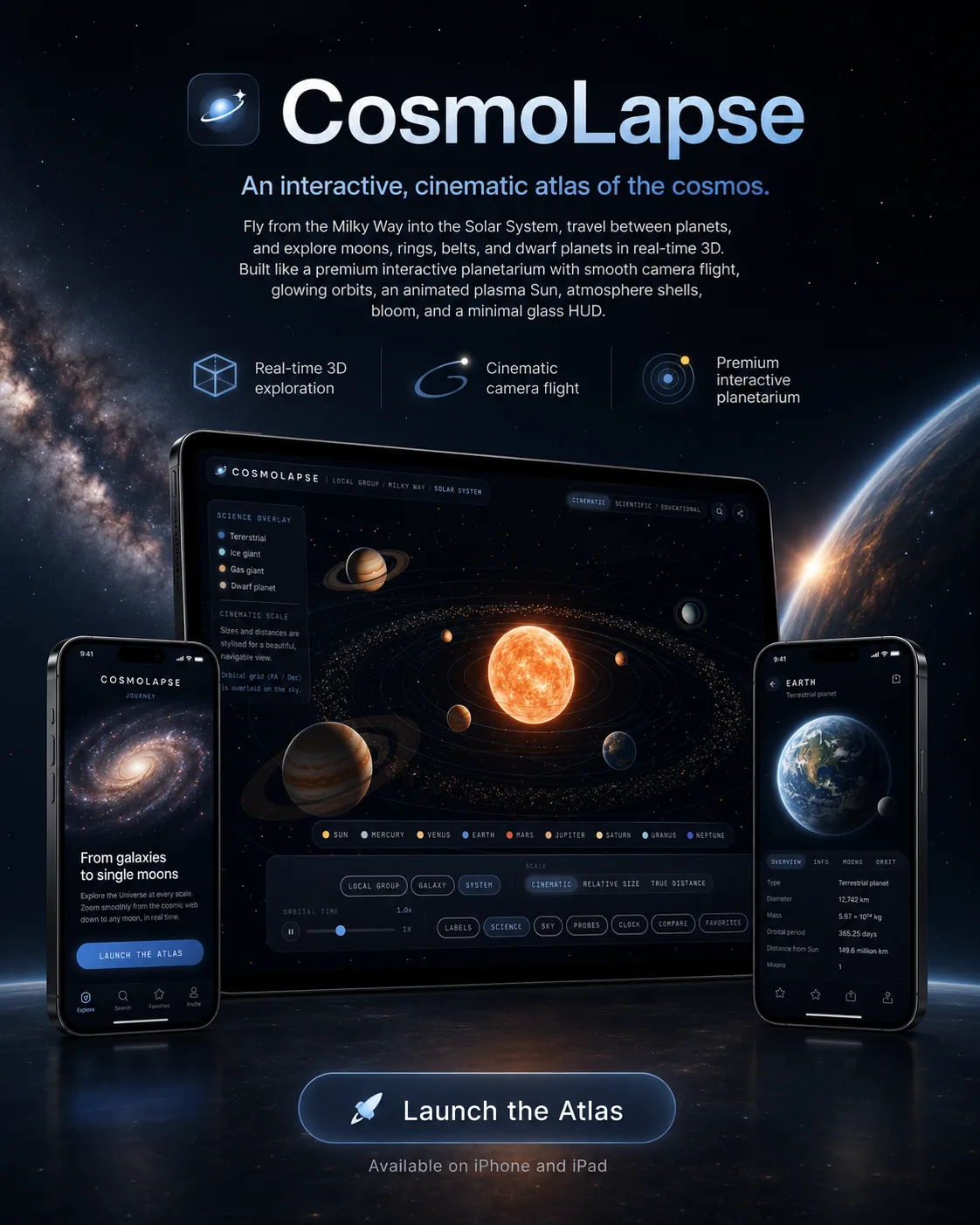
CosmoLapse is an interactive, cinematic atlas of the cosmos that runs entirely in the browser. Fly across scales: from the Local Group of galaxies into the Milky Way, the Solar System, and on to individual planets, moons and ring systems.
Inside the Milky Way you can enter real exoplanet systems - TRAPPIST-1, Proxima Centauri, Kepler-90 and 51 Pegasi - and explore their planets like the Solar System, while other galaxies host clearly labelled, stylised systems. Every body has a detail panel with seeded NASA and Wikipedia data.
A comparison tool puts up to three worlds side by side with rotating 3D previews, there is a cinematic fly-through tour, three honest scale modes, constellations and spacecraft paths, and a share link that points straight to whatever you are looking at. CosmoLapse is fully bilingual (English and Polish), needs no account and uses no trackers.
The most important capabilities, explained in practical terms.
Zoom smoothly from the Local Group of galaxies into the Milky Way, the Solar System and individual planets and moons.
Enter genuine systems such as TRAPPIST-1, Proxima Centauri, Kepler-90 and 51 Pegasi and explore their planets like our own.
Seeded NASA and Wikipedia data for every body.
Put bodies side by side across size, mass, gravity, density, escape velocity, day length and temperature, with rotating 3D previews.
A guided fly-through plus cinematic, relative-size and true-distance modes, always labelling which scale is in use.
An optional sky overlay of constellations and the escape trajectories of Voyager, Pioneer and New Horizons.
Every view has its own link, the interface is fully available in English and Polish, and accessibility options are built in.
A clear path from the official source to your first successful workflow.
Use one of the official links available for your device or browser.
Follow the store instructions or open the web application. No third-party installers.
Review the options, choose your preferences and start with the core workflow.
A transparent look at the core technologies used to build and maintain this product.
Your data stays on your device. Always.