

Diff Checker FREE
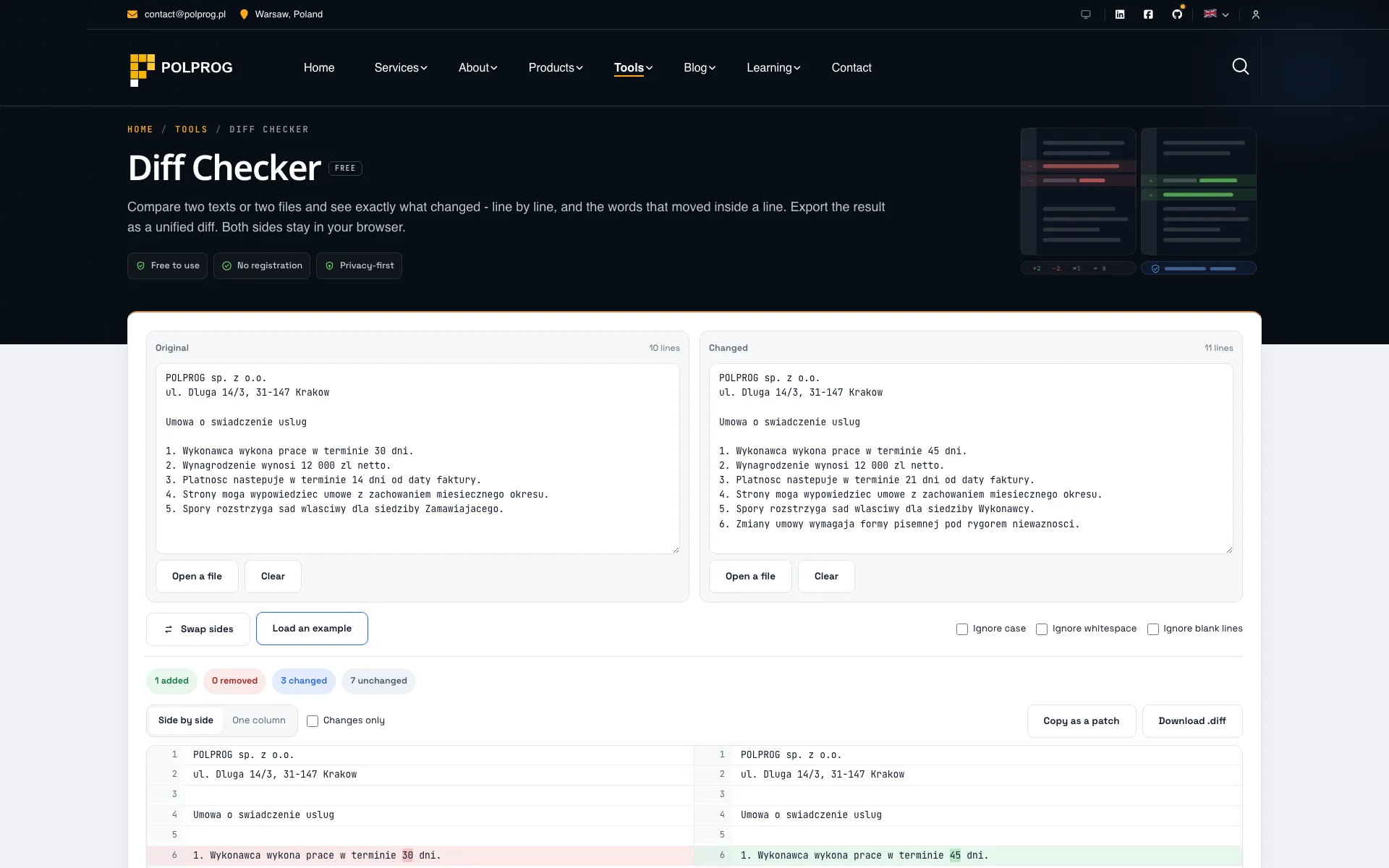
Compare two texts or two files and see exactly what changed - line by line, and the words that moved inside a line. Export the result as a unified diff. Both sides stay in your browser.

These two texts have no lines in common at this size, so the comparison is reported as one replacement rather than line by line. Compare smaller pieces for a detailed result.
Paste or drop two texts above and the differences appear here as you type.
Both texts are compared in this tab. Nothing is uploaded, nothing is stored, and closing the page leaves no copy behind - which is the point when what you are comparing is a contract, a configuration file or somebody else's code.
What the comparison shows, and where it stops
An exact diff, computed in your browser
Matching lines at the start and the end are trimmed first, lines unique to both sides anchor what is left, and the rest goes through Myers' algorithm, which is exact. A block that is enormous and has no anchors is reported as a single replacement rather than left running for a minute, and the result says when that happened. Both texts stay in this tab: nothing is uploaded and nothing is stored.
FAQ
Is my text sent anywhere?
No. The comparison runs in this tab, in JavaScript, on the text in the two boxes. There is no upload and no request: the page has no API call to make, nothing is written to storage, and closing the tab leaves nothing behind. That is worth being specific about, because a diff tool is where people paste contracts, credentials in config files and code they do not own.
What do the three colours mean?
Green is a line that exists only in the second text, red a line that exists only in the first, and a red-and-green pair is one line that was rewritten - the words that actually moved are marked inside it. The state is carried by the background, by the line numbers and by the plus and minus signs together, not by colour alone, so the result is still readable if you do not distinguish red from green.
What do the three options ignore?
Ignore case matches lines that differ only in capitals. Ignore whitespace collapses runs of spaces and tabs and trims the ends, so an indentation change stops being a difference - it does not delete spaces entirely, so "ab" and "a b" are still different lines. Ignore blank lines drops empty lines from the comparison while the line numbers still count them, so a number here is the number in your file. Lines always print exactly as you typed them; the options change what counts as a match, not what is shown.
Which files can I open?
Text files, up to 2 MB each: .txt, .md, .csv, .json, .xml, .yml, .html, .css, source files, logs, subtitles. You can drop a file onto either box. A PDF, a .docx or a spreadsheet is not text, so it is refused by name rather than shown as a screen of binary - convert it first, or use the File Converter.
What is a unified diff and what can I do with it?
It is the format `patch`, `git apply` and every code review tool reads: a header naming the two sides, then hunks marked with the line ranges they cover and the lines themselves prefixed with a space, a minus or a plus. Copy it into a review, attach it to a ticket, or save it as a .diff file and apply it with `patch -p0 < file.diff`.
Can it handle a large file?
Ten thousand lines with a change in the middle is instant: the comparison trims what matches at the ends first, then works from the lines that appear exactly once on each side, which is also what makes a block that was moved read as a move rather than as a deletion and an addition. The result is painted in slices of 600 lines with a button for the rest, because a browser laying out ten thousand rows of monospaced text at once is a browser that stops responding. If two very large texts have nothing in common at all, the tool says so and reports the change coarsely instead of grinding through it.
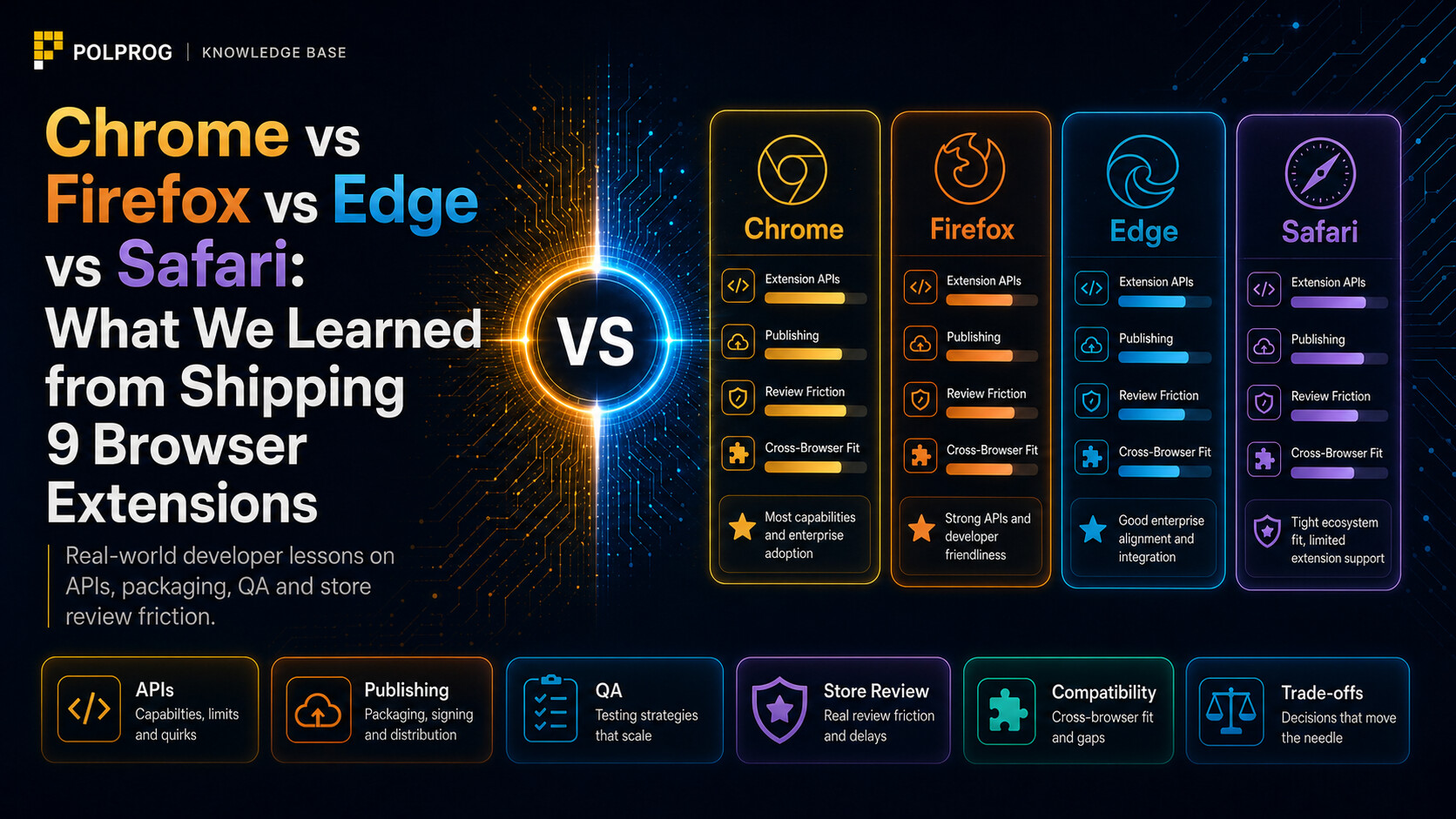
Chrome vs Firefox vs Edge vs Safari: what we learned from shipping 9 browser extensions
Nine extensions, four browsers and far more than one `manifest.json` file. We show where shared code really ends, why Safari needs a separate process and which bugs are exposed only by Firefox and extension stores.

Claude Code vs OpenAI Codex vs Gemini CLI: the best AI coding agent in 2026
Claude Code, OpenAI Codex, and Gemini CLI can read repositories, edit files, and run tests, but they were designed for different styles of work. We compare quality, benchmarks, security, parallel execution, extensions, pricing, and privacy.

How Custom Software Helps Teams Automate Repetitive Work
Not every task should be automated, and not every automation needs a full product. The useful skill is deciding which tasks are worth it, and then building the smallest tool that actually removes them.
Build a better web, faster.
We build custom software and solutions tailored to your needs.