
Auto-Discovery
Point it at your project root and LocaleSync finds locale directories automatically - no config files needed.


Auto-Sync & Translate Locale Files
One command to fill the gaps in your translation files.
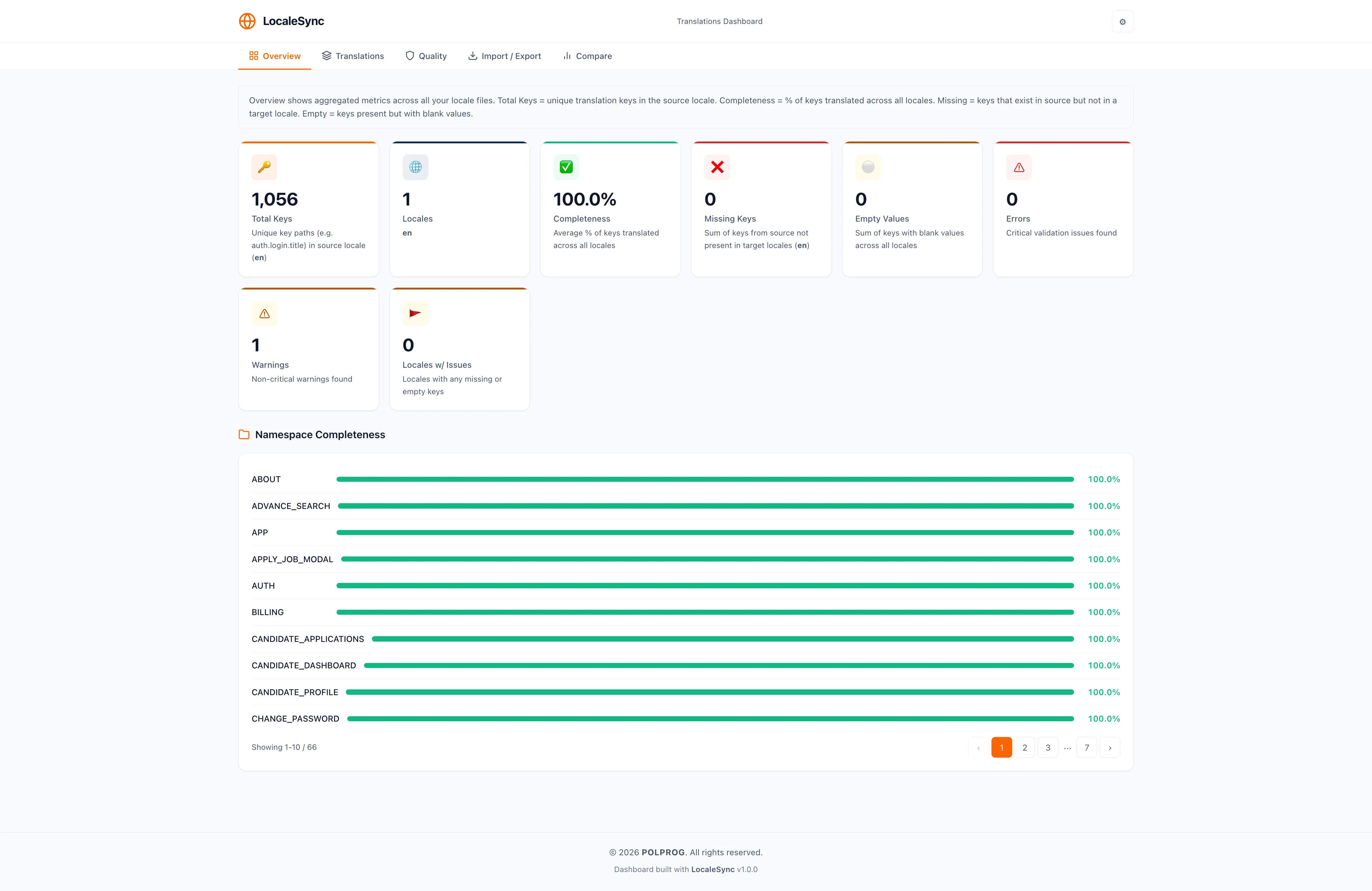


LocaleSync is an open-source Python CLI tool that scans your project for locale JSON files, detects missing translation keys, and auto-fills them via Google Translate - with full placeholder protection. It supports deeply nested JSON, auto-discovers locale directories, and works with any frontend framework (Angular, React, Vue, plain HTML). Run it locally during development or plug it into CI/CD pipelines for automated checks. Four commands cover every workflow: scan, check, sync, and translate.
The most important capabilities, explained in practical terms.
Point it at your project root and LocaleSync finds locale directories automatically - no config files needed.
Translates missing keys via the free Google Translate API. Handles rate limits gracefully with automatic retries.
Safeguards {{variables}}, {0}, %s, and other interpolation tokens so they survive translation intact.
Handles arbitrarily nested locale structures - compares at every depth, preserves hierarchy on write.
Live progress with ETA, key counter, elapsed time, and language tracker. Cancel anytime with Ctrl+C.
Non-interactive mode with proper exit codes. Use check in CI to block PRs with missing translations.
Works with Angular, React, Vue, Svelte, plain HTML, or any project that uses JSON locale files.
Clean, layered design with pluggable translation providers, file formats, and sync strategies. MIT licensed.
A clear path from the official source to your first successful workflow.
Use one of the official links available for your device or browser.
Follow the store instructions or open the web application. No third-party installers.
Review the options, choose your preferences and start with the core workflow.
A transparent look at the core technologies used to build and maintain this product.
Your code stays on your machine. Translation text goes through Google Translate only when you run translate.