
Typing Test - WPM, Accuracy and consistency, measured in your browser | POLPROG Skip to content

Typing Test

WPM, Accuracy and consistency, measured in your browser

A speed you can quote, because the tool says how it was measured

Tool Web
Official product page Publisher: POLPROG
Official product page
6
Languages
6
Numbers reported
8
Test lengths
0
Keystrokes uploaded
01Typing Test

About

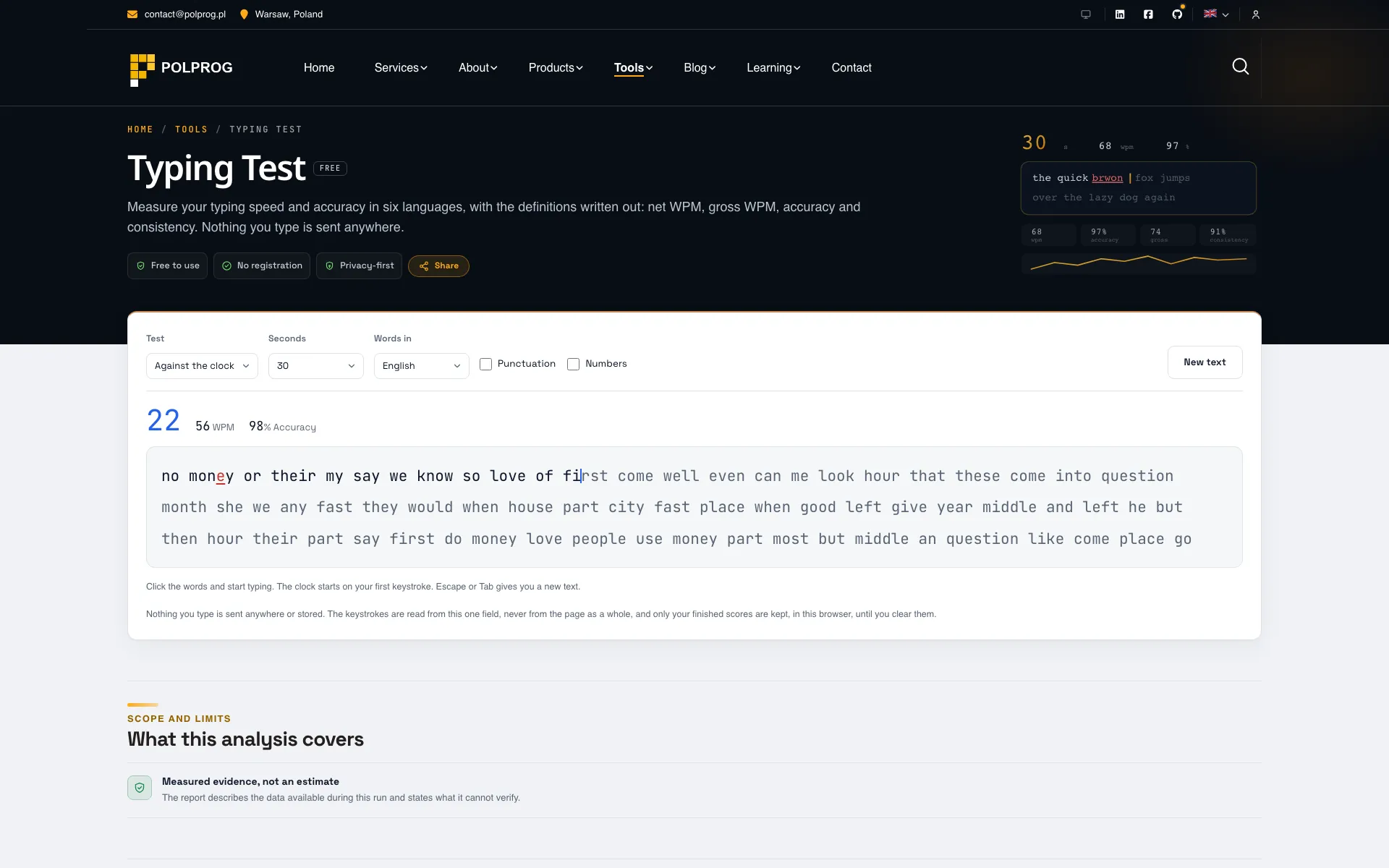
Pick a length, click the words and start typing. The clock starts on your first keystroke, not when the page loads, so the seconds you spend reading are yours rather than the test's.

Every number is defined on the page. A word is five characters including the space, which is the standard behind every WPM figure since typewriter tests in the 1960s. Gross WPM is what you typed; net WPM subtracts a word for each error you left standing, so typing fast nonsense cannot score well. Accuracy is counted as you type, which means a mistake you went back and fixed still costs you: that is what makes it accuracy rather than a final tidy-up.

Six languages, each with its own alphabet. A Polish test that never asks for ą, ć or ż measures a different skill from the one you came to measure, and so does a German one without ä, ö, ü and ß. Words are drawn at random from each language's common-word list, so no two runs are the same text, and punctuation and numbers are switches rather than a separate mode.

The keystrokes are read from one field. There is no listener on the page as a whole, which is the difference between a typing test and a keylogger, and there is no request behind the page for anything to be sent through. Your finished scores are kept in this browser until you clear them; the text you typed is not kept at all.

02Use case

What it solves

The problem
  • Most typing tests report a number without saying how it was calculated, so two of them disagree and neither explains why
  • A test that starts the clock when the page loads charges you for the time you spent reading the first line
  • A test with only English words measures English typing, which is not the keyboard most of the world uses
The outcome
  • Net WPM, gross WPM, accuracy and consistency, each with its definition written out on the page
  • Six languages with their own diacritics, punctuation and numbers as switches, or your own text
  • Keystrokes read from one field, with scores and settings remembered in this browser
Who it is for
  • Anyone who needs a typing speed for an application form
  • People practising deliberately, who need consistency and the characters they miss
  • Teachers and trainers running a test in a language that is not English
03Key Features

Key Features

The most important capabilities, explained in practical terms.

Six numbers, each defined

Net WPM leads, because it is the figure people mean. Gross WPM, accuracy and consistency sit beside it, with characters typed and errors left. Every one of them has its definition in the FAQ below the tool, in the language you are reading.

Time or words, your choice

Fifteen, thirty, sixty or a hundred and twenty seconds, or ten, twenty five, fifty or a hundred words. A timed run ends exactly on the clock rather than on whichever keystroke noticed, and a word run ends when the last word is finished, not when it is started.

Six languages, with their letters

English, Polish, German, French, Spanish and Italian, each from its own list of common words, each carrying the accented characters that language actually uses. Words are drawn fresh every run, so the text cannot be memorised.

Punctuation, numbers, or your own text

Switch punctuation on and sentences get capitals and stops; switch numbers on and they appear as their own tokens, the way they do in real text. Or paste a paragraph of your own and practise on that instead.

What you actually miss

The characters you got wrong most often, counted by the character you should have typed, with the space bar reported as itself rather than quietly dropped. A speed graph shows the run second by second, which is where a stumble becomes visible.

Your scores, in your browser

Finished runs are kept as a list of scores with the settings that produced them, and one button clears them. The words drawn for a run and the characters typed into it are never written down.

04Download

Product access

A clear path from the official source to your first successful workflow.

Choose the right platform

Use one of the official links available for your device or browser.

Install or open

Follow the store instructions or open the web application. No third-party installers.

Configure and begin

Review the options, choose your preferences and start with the core workflow.

Official access options
05Technology

Technology behind the product

A transparent look at the core technologies used to build and maintain this product.

JavaScript
06Security

Privacy & Security

Your data stays on your device. Always.

Nothing is uploaded
One field, no page-wide listener
Typed text is never stored
No account, ever