
Barcode Generator - EAN, UPC, Code 128 and ITF, drawn in your browser | POLPROG Skip to content

Barcode Generator

EAN, UPC, Code 128 and ITF, drawn in your browser

Barcodes that scan, because the quiet zone and the check digit are not optional

Tool Web
Official product page Publisher: POLPROG
Official product page
6
Symbologies
2
Export formats
0
Server round trips
0
Bytes uploaded
01Barcode Generator

About

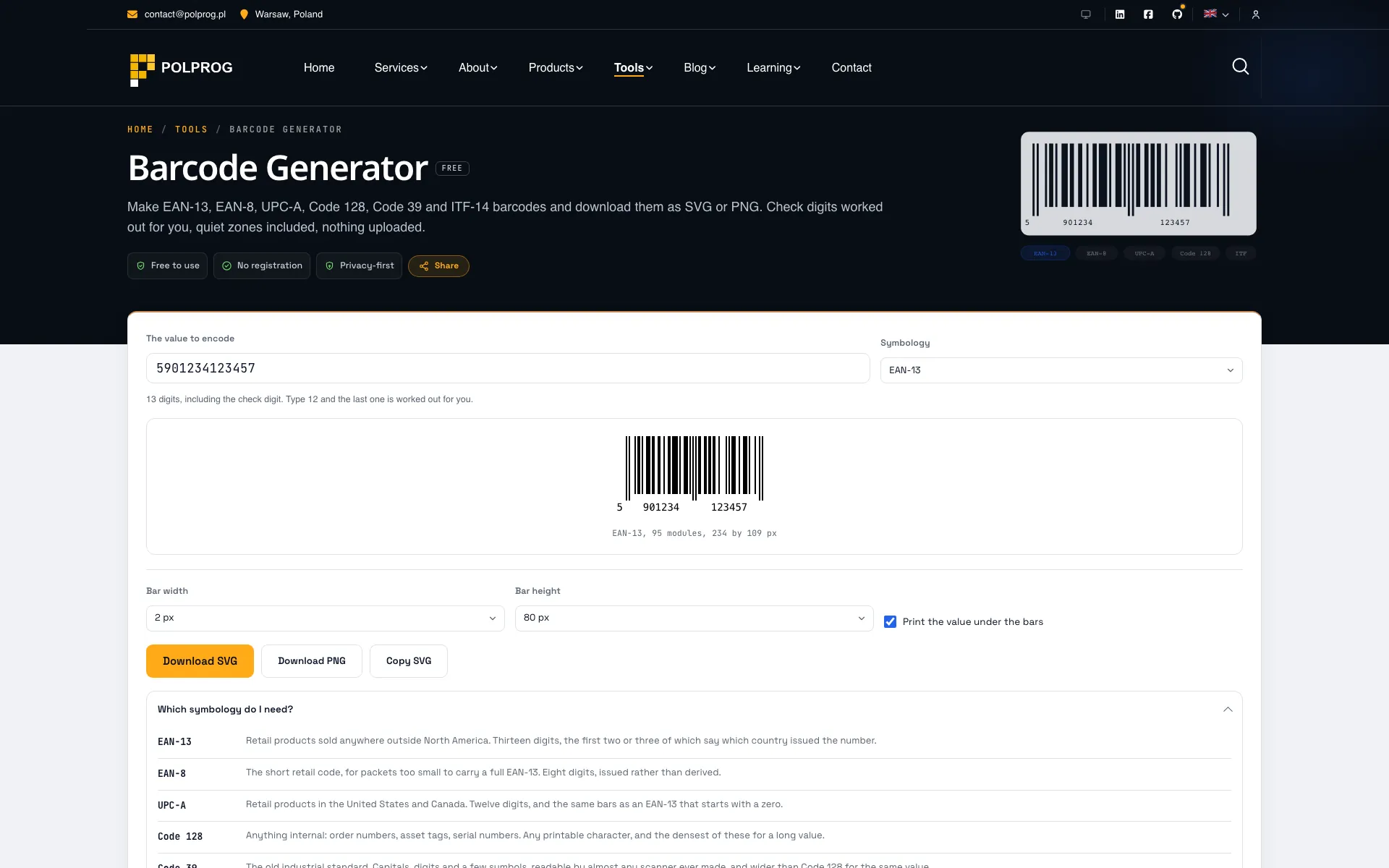
Type a value, pick a symbology, download an SVG or a PNG. The barcode is drawn as you type, and the tool says which symbology expects what before you get it wrong rather than afterwards.

The check digit is worked out for you. Type the twelve digits printed on a packet and the thirteenth appears; type all thirteen and the one you gave is verified rather than replaced. A wrong check digit is refused, with the digit it should have been, because silently fixing it would produce a barcode for a different product.

The quiet zone is in the image. That blank margin either side is part of the specification, not padding: a scanner uses it to find where the symbol begins, and cropping it is the single most common reason a generated barcode does not work. Every symbology here declares how much it needs, and the SVG includes it.

Every symbology is verified against an independent decoder. The test suite renders each one to a bitmap and reads it back with zxing, a port of the reference implementation, over hundreds of random values as well as the published worked examples. An encoder checked only against itself is an encoder nobody has checked.

Nothing is uploaded. A product code before launch, a serial number or an internal asset tag is business data.

02Use case

What it solves

The problem
  • A barcode cropped to its bars looks finished and will not scan, because the white margin it needs is part of the symbol
  • Most generators either demand a check digit you do not have or invent one silently, and the second is worse
  • Product codes, serial numbers and internal references are business data, and most online generators post them to a server
The outcome
  • Six symbologies, each one round-tripped through an independent decoder in the test suite
  • Check digits calculated or verified, and a wrong one refused with the digit it should have been
  • SVG for print and PNG for everything else, both with the quiet zone included
Who it is for
  • Anyone printing shelf labels, asset tags or workshop job numbers
  • Small manufacturers and shops putting a GS1 number they already own onto packaging
  • Developers who need a valid test barcode without installing a library for it
03Key Features

Key Features

The most important capabilities, explained in practical terms.

Six symbologies, and which is which

EAN-13, EAN-8 and UPC-A for retail, Code 128 and Code 39 for anything internal, ITF-14 for shipping cartons. The panel under the tool says in a sentence what each one is for, so the choice does not need a specification to make.

Check digits, done properly

The GS1 modulo-10 check digit is calculated when your value is one digit short and verified when it is not. A mismatch is an error with the correct digit in it, never a silent correction: those two behaviours produce barcodes for different products.

The quiet zone is not optional

Every symbology declares the blank margin its specification requires, and it is inside the exported image rather than something you have to remember when placing it. It is the difference between a barcode that scans on the first pass and one that does not.

SVG or PNG

SVG for anything going to a printer: it is a description of the bars, exact at any size. PNG is rasterised at three times the on-screen size with smoothing off, because a barcode with soft edges is a barcode a scanner works harder to read.

Verified against a real decoder

Every symbology is rendered to a bitmap in the test suite and decoded with zxing, an independent implementation, across hundreds of random values. The published worked examples are asserted separately, because an encoder and a decoder can agree on the wrong number.

Encoded in your browser

Encoding and drawing both happen in your browser, with no API call behind the page. That matters for a product code that has not launched yet or a serial number that identifies a customer's hardware.

04Download

Product access

A clear path from the official source to your first successful workflow.

Choose the right platform

Use one of the official links available for your device or browser.

Install or open

Follow the store instructions or open the web application. No third-party installers.

Configure and begin

Review the options, choose your preferences and start with the core workflow.

Official access options
05Technology

Technology behind the product

A transparent look at the core technologies used to build and maintain this product.

JavaScript
06Security

Privacy & Security

Your data stays on your device. Always.

Nothing is uploaded
Drawn in your browser
Nothing is stored
No account, ever