
Convert and Compress
PNG, JPEG, WebP and AVIF, with a quality control for the lossy formats. Compression keeps the source format and reports the real change in bytes, including when there is none.


Convert, compress, resize, crop and remove backgrounds
Ten image jobs in one page, all of them on your own machine
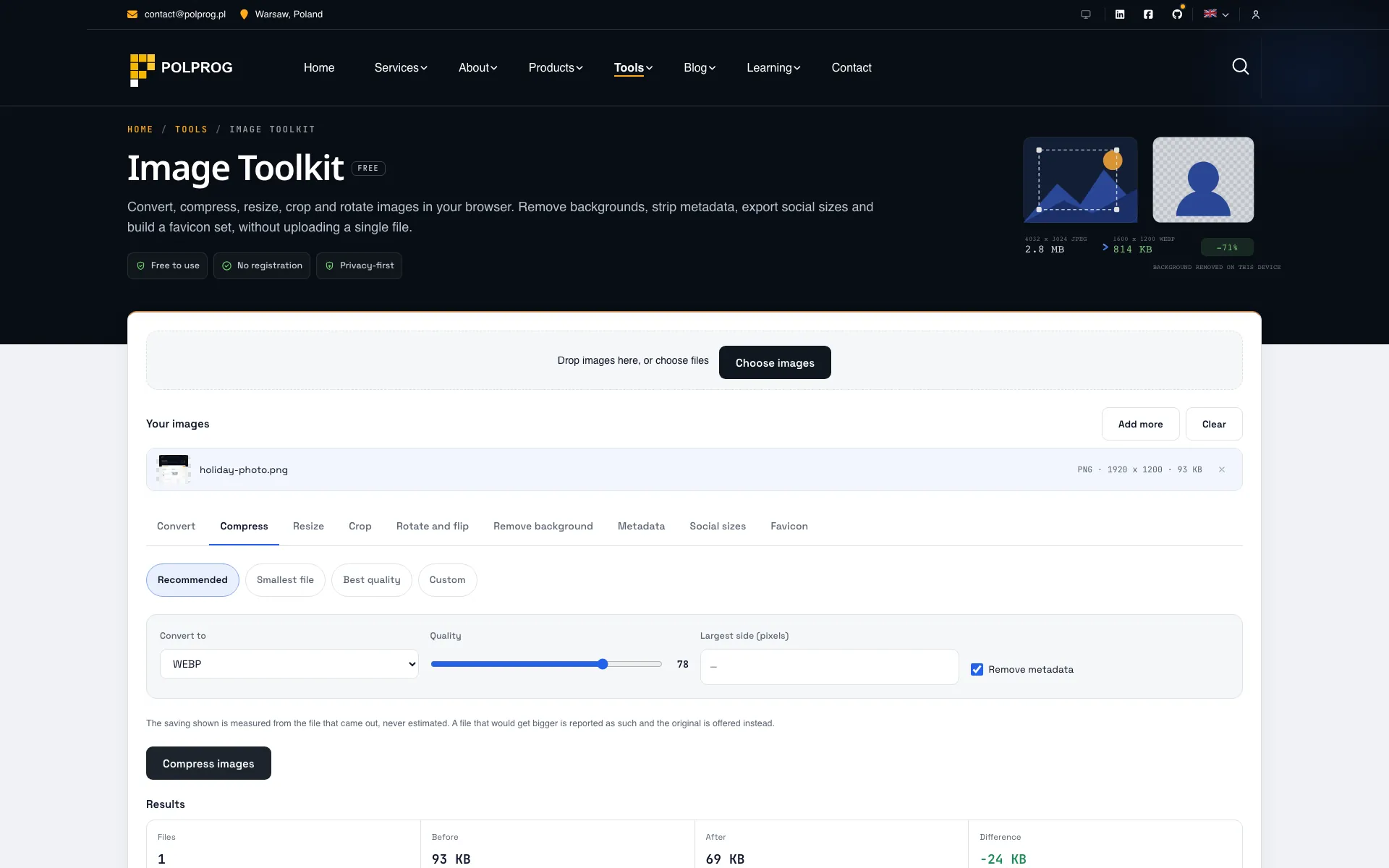
Image Toolkit puts ten jobs behind one file intake: convert, compress, resize, crop, rotate and flip, watermark, remove background, metadata, social sizes and favicon. You drop the files once and switch panels; the queue does not have to be rebuilt for every operation.
Everything runs on a canvas in the tab. No image is uploaded, and there is nothing on a server to delete afterwards. That is also why every number the page shows - the saved bytes, the output dimensions - appears only after a batch has actually run.
Background removal is a real model, not a colour key. The panel downloads a 4.4 MB self-hosted U-2-Net segmentation model and runs it through ONNX Runtime in WebAssembly, once, the first time the panel is opened. It produces a saliency mask rather than an alpha matte, so hair and fur come out with a harder edge than a paid matting service would give. The page says so, instead of leaving somebody to find out on a portrait.
Metadata stripping is lossless. Removing EXIF, GPS and colour profiles rewrites the container and leaves the compressed image data untouched, so a photograph does not quietly lose a generation of quality to have its location removed. Compression, by contrast, re-encodes - and a file that could not be made smaller is reported as already optimal rather than as a fabricated saving.
The most important capabilities, explained in practical terms.
PNG, JPEG, WebP and AVIF, with a quality control for the lossy formats. Compression keeps the source format and reports the real change in bytes, including when there is none.
Resize by width, height or percentage with an optional aspect-ratio lock, and crop with a draggable frame, fixed ratios or exact pixel entry. Neither ever enlarges past the source unless you ask.
Ninety-degree rotation in both directions and horizontal or vertical flips, applied to the whole batch at once.
A self-hosted U-2-Net model runs in WebAssembly on your device. The 6.1 MB download - the ONNX runtime and the 4.4 MB weights together - happens once, when the panel is first opened, and never on any other page.
EXIF, GPS coordinates, camera identifiers and colour profiles are stripped by rewriting the container. The compressed image data is not touched, so nothing is re-encoded.
Open Graph, Twitter, LinkedIn, Instagram and YouTube dimensions from one source image, and a favicon set with the sizes browsers and platforms actually request.
Compress, resize, crop, remove background, remove metadata, favicon and social resizing each have their own page, so a search for one of them lands on that panel rather than on a tab strip.
Text over every picture in one pass, in nine positions or repeated across the frame. The size is a share of the image width, so one setting suits a batch of differently sized photos.
Ask for 200 KB and the encoder is run repeatedly to find the highest quality that fits, shrinking the picture only when quality alone cannot get there. A before and after slider sits beside it, and the size under it is the size of the file the button would write.
An animated GIF, APNG or WebP is flagged before any work starts, because a canvas holds one frame. So is an embedded colour profile, because the output is sRGB. Both are said out loud rather than discovered after the download.
A clear path from the official source to your first successful workflow.
Use one of the official links available for your device or browser.
Follow the store instructions or open the web application. No third-party installers.
Review the options, choose your preferences and start with the core workflow.
A transparent look at the core technologies used to build and maintain this product.
Your data stays on your device. Always.