
Time Zones From IANA
Every offset, abbreviation and transition is read from the browser own Intl time zone database, so the answers stay current without this page being redeployed.


Time zones, meeting planner, date difference and more
Twelve date and time answers, with the daylight saving edge cases spelled out
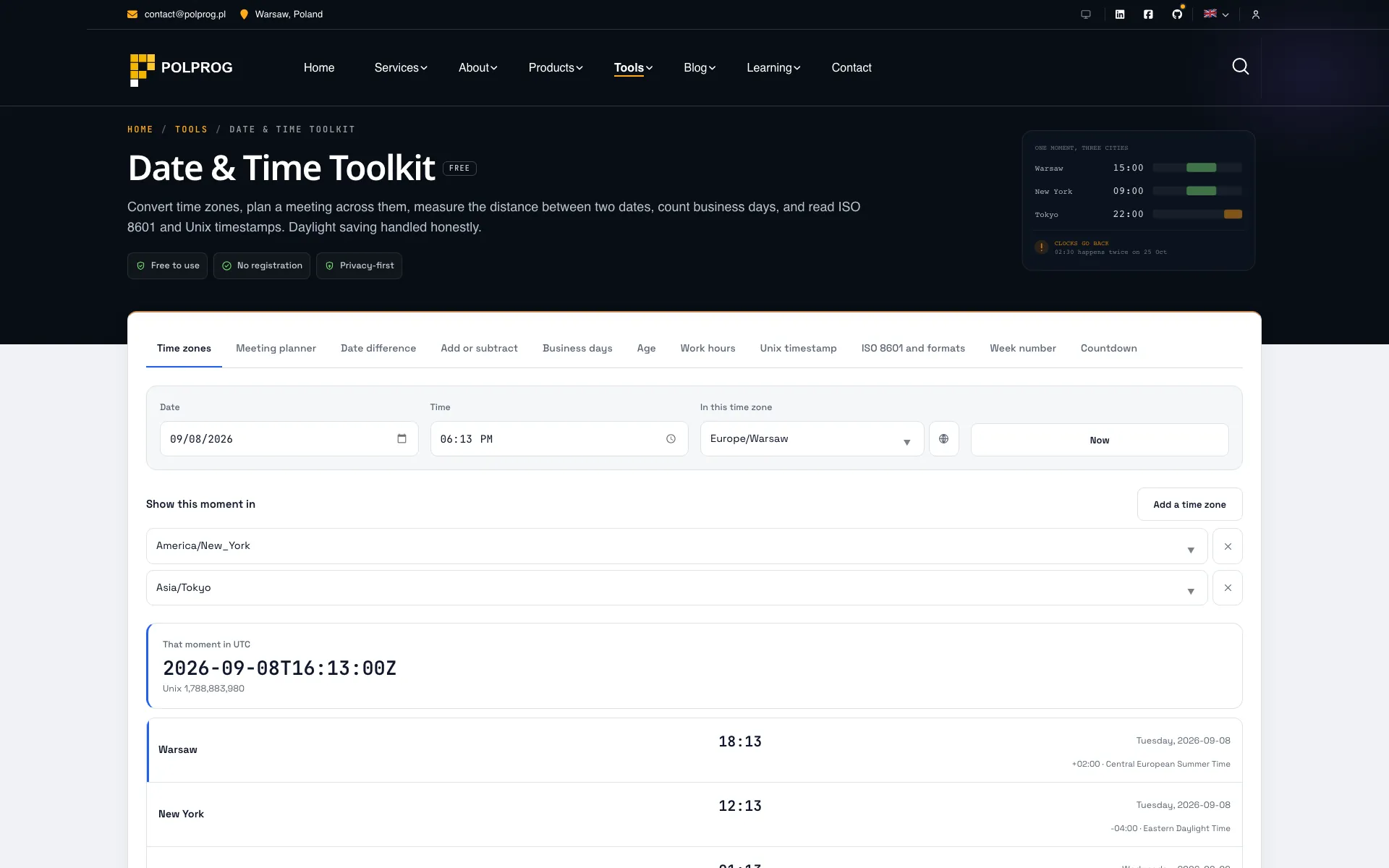
Twelve panels: time zones, meeting planner, date difference, add or subtract, business days, recurring dates, age, work hours, Unix timestamp, ISO 8601 and formats, week number and countdown.
The time zone data is the browser's own. Offsets, abbreviations and daylight saving transitions are read through the Intl API from the IANA database the browser ships and updates, rather than from a table frozen into this page. A time zone whose rules changed last year is right here as soon as it is right in the browser.
Daylight saving is handled rather than ignored. When the clocks go back, a local time happens twice; when they go forward, an hour does not exist at all. Most tools silently pick one answer. This one names the case: an ambiguous time is shown with both offsets, and a time that falls in the gap is moved using the offset in force before the jump and says that it was.
A calendar difference is not a subtraction. "One month" is a different number of days depending on which month, so the difference between two dates is measured by walking the calendar rather than dividing a duration, and never reports a negative component. An ambiguous written date - one that could be day/month or month/day - is refused rather than guessed at.
The most important capabilities, explained in practical terms.
Every offset, abbreviation and transition is read from the browser own Intl time zone database, so the answers stay current without this page being redeployed.
A local time that occurs twice is shown with both offsets; one that does not occur at all is moved using the offset in force before the jump, and the page says which case applies.
Add the participants time zones and see a grid of local times, with the hours that are reasonable for everyone marked and the ones that are not left plainly visible.
Years, months and days measured by walking the calendar rather than dividing a duration - so no component is ever negative, and the round trip back gives the original date.
Count or add working days with a chosen weekend, and turn a start time, an end time and a break into a total that agrees with a timesheet.
Time zone converter, meeting planner, date difference, business days, age, duration and the recurring date generator each have their own page opening straight on that panel, with their own title and description.
Every second Tuesday, the last working day of the month, every three weeks from a date. A date that does not exist is skipped rather than quietly moved, the count of skips is reported, and the series leaves as CSV or as a calendar file.
Pick a country and a year and the national holidays are written into the list, where every one of them can be edited or deleted. They are computed from each country's rules - Easter included - not read from a table of dates that quietly goes stale, and regional holidays are never in them.
The hours that suit everybody download as an .ics with the start and end in UTC, so no time zone has to survive the trip. A generated series exports the same way, one entry per date.
A clear path from the official source to your first successful workflow.
Use one of the official links available for your device or browser.
Follow the store instructions or open the web application. No third-party installers.
Review the options, choose your preferences and start with the core workflow.
A transparent look at the core technologies used to build and maintain this product.
Your data stays on your device. Always.