
Guided Interactive Workflow
Step-by-step CLI wizard walks you through every option - repository, branch, time range, audience, format, language, and custom headings. No config files needed.


Audience-Aware Release Notes Generator
Polished release notes from any git repo, in seconds.
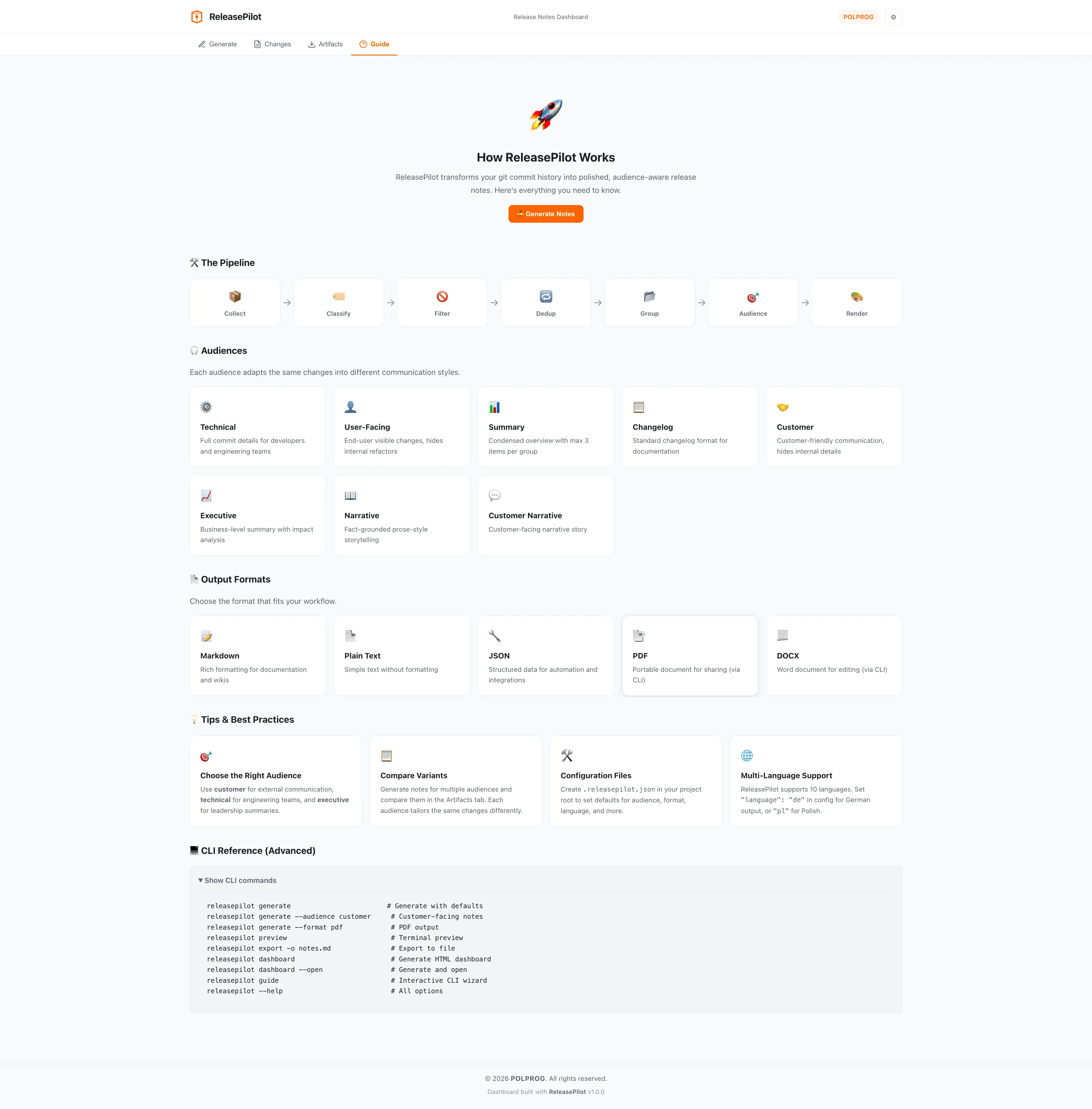


ReleasePilot is an open-source Python CLI tool that reads your git history and generates beautiful, audience-tailored release notes. It supports eight target audiences - developers (technical changelog), executives (business summary), and end-users (What's New). Output formats include Markdown, Plain Text, JSON, PDF, and DOCX - with professionally typeset narrative PDF featuring statistics, breaking changes, and security sections. The guided interactive workflow walks you through every option: repository, branch, time range, audience, format, language, and custom titles. Supports 10 output languages (EN, PL, DE, FR, ES, IT, PT, NL, UK, CS), conventional commit detection, intelligent deduplication, and a modular pipeline architecture for extensibility.
The most important capabilities, explained in practical terms.
Step-by-step CLI wizard walks you through every option - repository, branch, time range, audience, format, language, and custom headings. No config files needed.
Generate developer changelogs, executive summaries, or user-facing What's New notes - each with tailored tone, structure, and level of detail.
Markdown, Plain Text, JSON, PDF, and DOCX output. Narrative PDF includes cover page, statistics dashboard, breaking changes section, and branded footer.
Generate release notes in English, Polish, German, French, Spanish, Italian, Portuguese, Dutch, Ukrainian, and Czech - with proper localization of structural headings and labels. Content translation available via optional deep-translator package.
Automatically categorizes commits by type - features, fixes, breaking changes, performance, security, docs - using conventional commit prefixes.
Filters out noise, merge commits, and duplicate entries. Groups related changes for clean, readable output.
Modular collect → filter → compose → render pipeline. Easy to extend with custom stages, formatters, or output targets.
Professional multi-page PDF with executive overview, feature highlights, reliability metrics, security notes, statistics dashboard, and branded styling.
A clear path from the official source to your first successful workflow.
Use one of the official links available for your device or browser.
Follow the store instructions or open the web application. No third-party installers.
Review the options, choose your preferences and start with the core workflow.
A transparent look at the core technologies used to build and maintain this product.
Your code stays on your machine. Everything runs locally.