
Twelve operations in three groups
Organize: merge, split, extract pages, remove pages, reorder, rotate. Convert: compress, images to PDF, PDF to images. Protect: add a password, remove a password, strip metadata.


Merge, split, compress and convert PDF files
Twelve PDF operations that leave the document intact, on files that delete themselves.
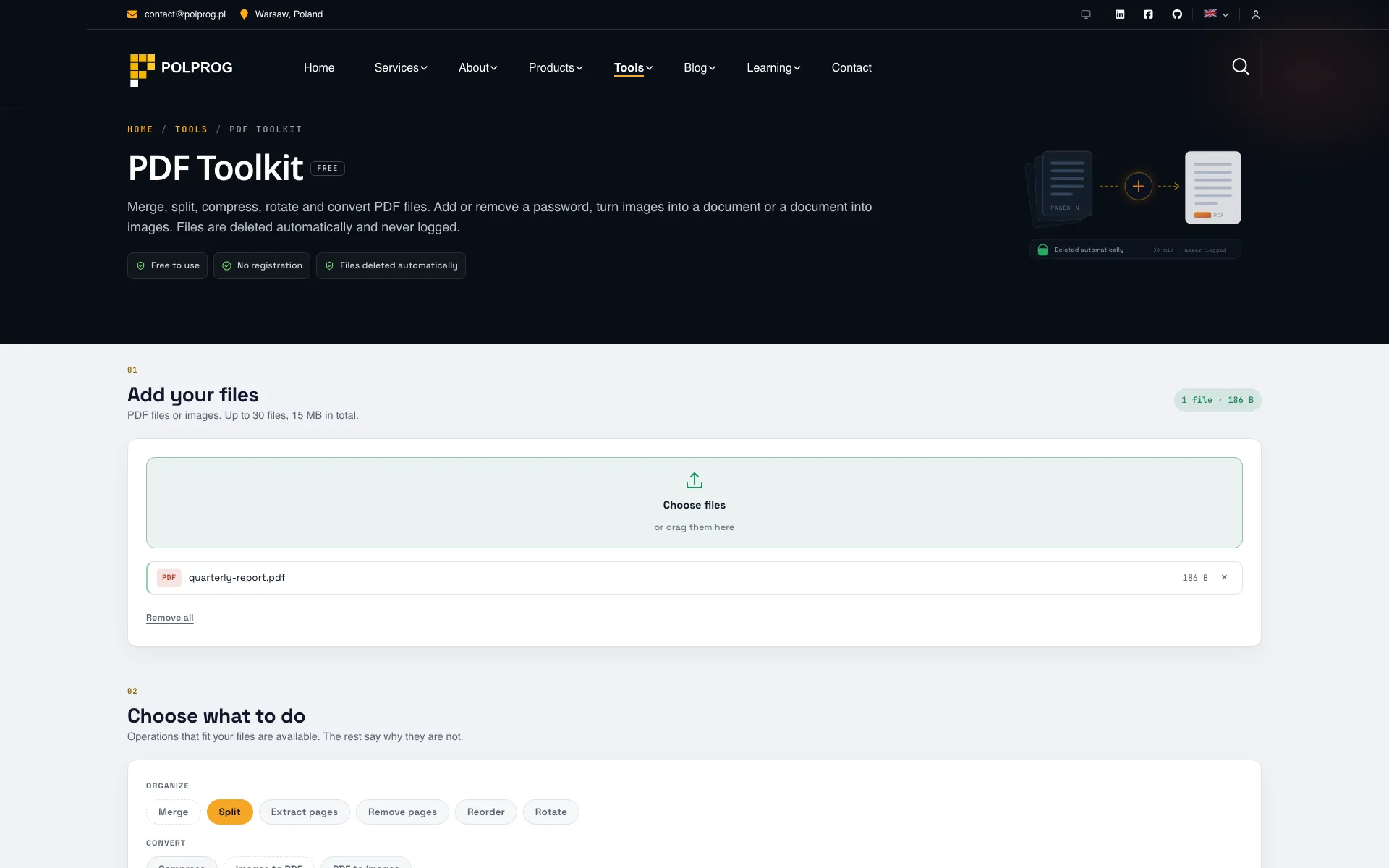
Twelve operations, and only the ones that fit your files. Add a document and the operations that can act on it light up; the rest say why they cannot, rather than failing after the upload.
| Group | Operations |
|---|---|
| Organize | Merge, split, extract pages, remove pages, reorder, rotate. |
| Convert | Compress, images to PDF, PDF to images. |
| Protect | Add a password, remove a password you know, strip metadata. |
Every page operation moves the page objects rather than reprinting them. Text stays selectable text and vectors stay vectors, so nothing is rasterized on the way through. Links, form fields and annotations travel with the page they belong to, and the bookmarks, document properties and XMP metadata are carried over. Bookmarks that pointed at pages you removed are pruned rather than left behind as entries that go nowhere.
Compression follows the same principle from the other side: it re-encodes the images and rebuilds the file structure, and never touches text or vector artwork, which are already compact. If the result would be no smaller than the original, the original is returned unchanged and the tool says so instead of quietly handing back the same bytes.
This is the only POLPROG tool that receives a file at all: a real PDF engine cannot run in a browser tab. The upload goes into a directory named with 32 random characters, readable only by the processing account, and never reaches a database. Results are deleted after 30 minutes and an unfinished job after two hours, whether or not you press anything. No filename, page, password or parser error is ever written to a log; a failure is recorded as a named code.
The engine is pikepdf over qpdf, with pypdfium2 for rasterization and Pillow for images. PyMuPDF and Ghostscript were excluded on AGPL grounds despite being the faster options, which is why compression is built from qpdf and Pillow rather than a Ghostscript pipeline. Nothing in the dependency list restricts how POLPROG is licensed or deployed.
The most important capabilities, explained in practical terms.
Organize: merge, split, extract pages, remove pages, reorder, rotate. Convert: compress, images to PDF, PDF to images. Protect: add a password, remove a password, strip metadata.
Add a file and the operations that can act on it become available. The rest state the reason rather than greying out: works on PDF files, needs at least two files, takes one file at a time.
Text stays selectable text and vectors stay vectors. Links, form fields and annotations travel with their page, and bookmarks, document properties and XMP metadata are preserved.
A bookmark pointing at a page you removed is pruned rather than left as an entry that does nothing, so the outline still matches the document after a split, an extract or a reorder.
Keep quality rebuilds the file structure alone. Recommended also lowers image resolution to about 150 DPI. Smallest file goes further. Text and vector artwork are never re-encoded, and if the result would be no smaller the original is returned and the tool says so.
Add password encrypts with AES-256 and can allow or refuse printing and text copying. Remove password takes one you already know and writes out a copy without the encryption. There is no cracking here and there will not be.
The filename, extension and MIME type sent by the browser are not trusted. A file is accepted on its leading bytes and stored under a name the server generates, inside the job directory and nowhere else.
Results are removed 30 minutes after they are produced and an unfinished job after two hours, whether or not you do anything. The delete button removes the uploads as well as the results, immediately.
No filename, no page, no password and no parser error string. A failure is recorded as a named code, and nothing uploaded here is kept for analytics, for debugging or for training anything.
A clear path from the official source to your first successful workflow.
Use one of the official links available for your device or browser.
Follow the store instructions or open the web application. No third-party installers.
Review the options, choose your preferences and start with the core workflow.
A transparent look at the core technologies used to build and maintain this product.
Your data stays on your device. Always.