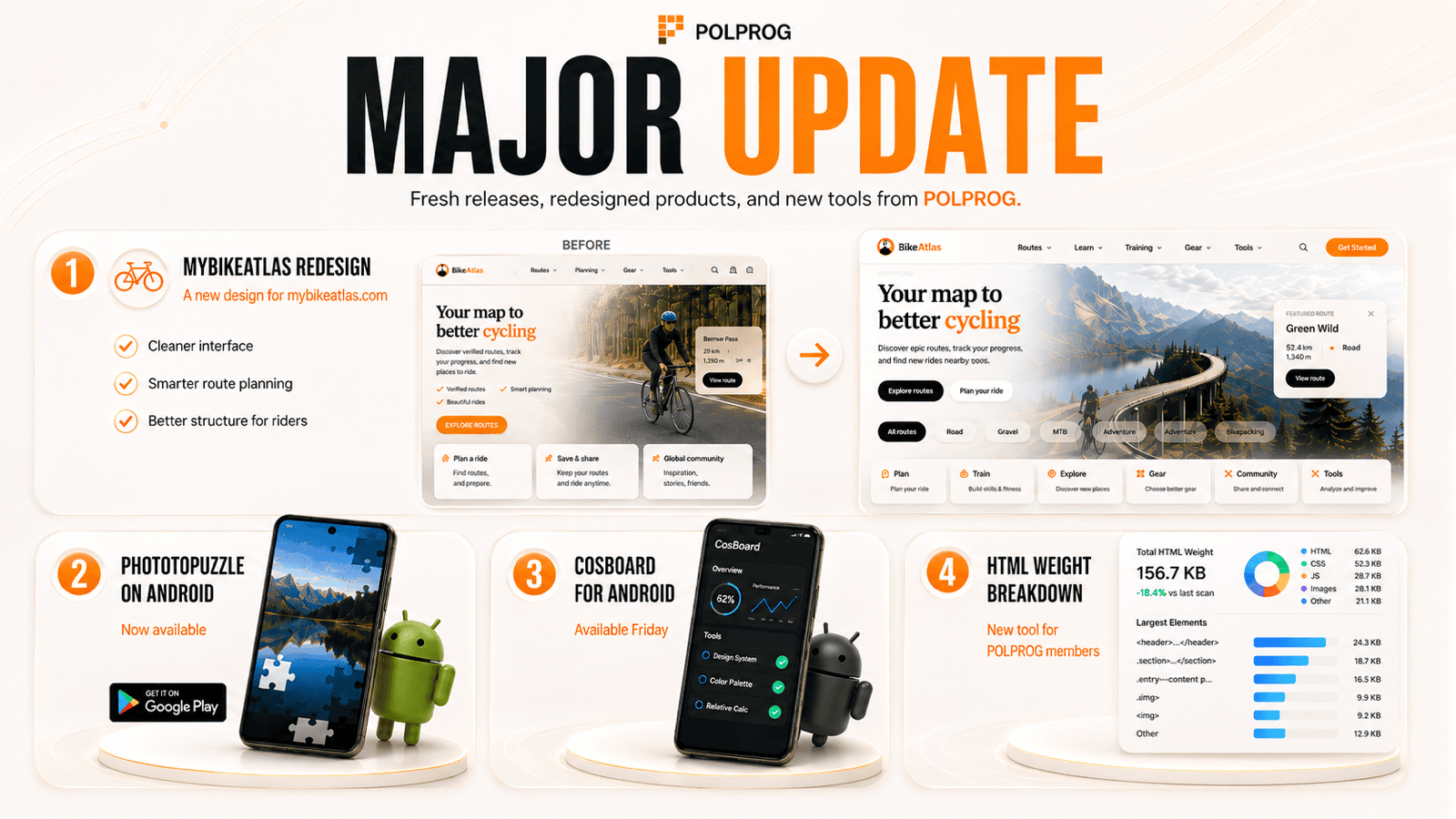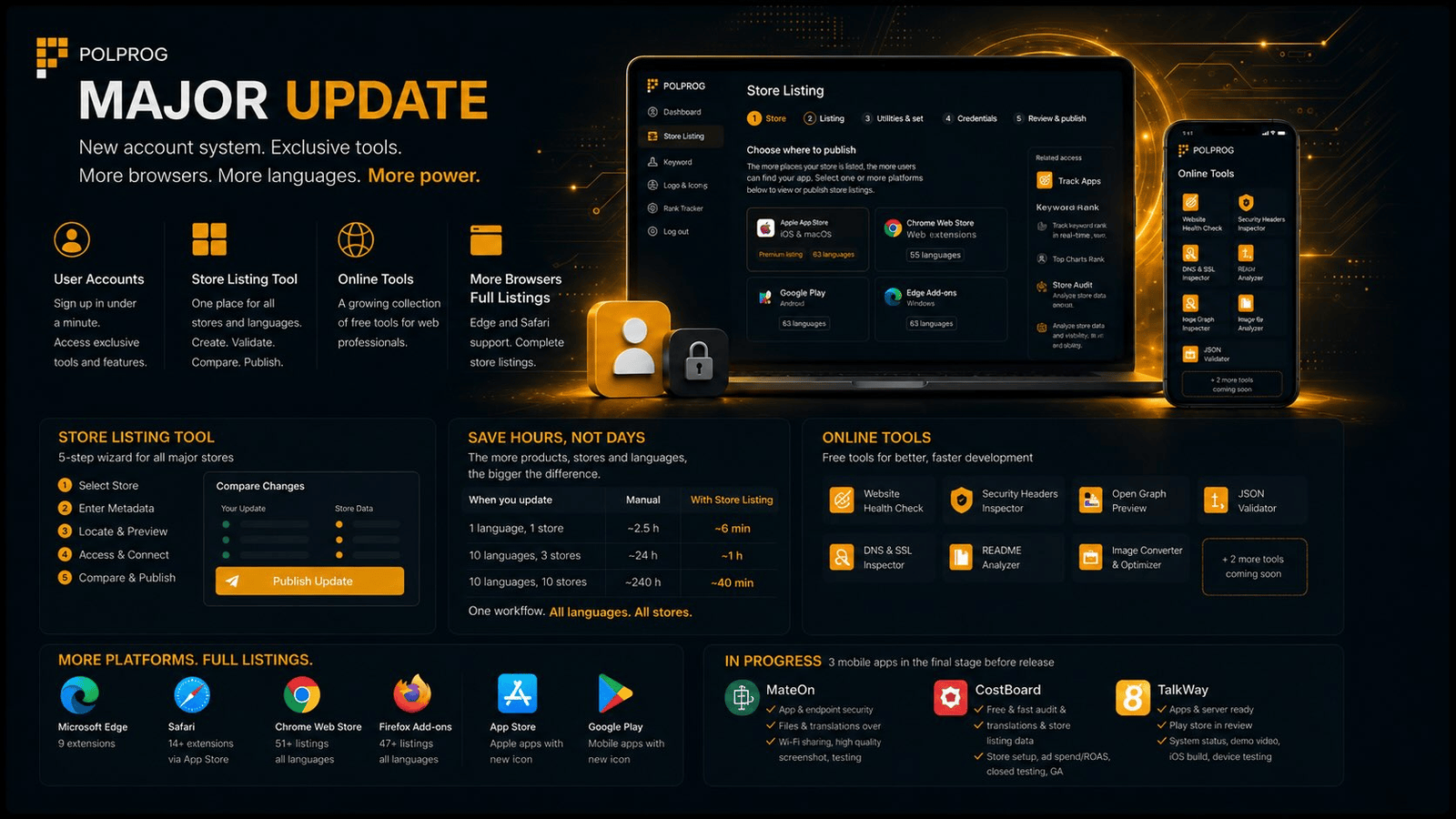
The month since the last post brought the biggest change in the history of the site: POLPROG has stopped being only a place to read. You can now create an account on it and use the first tool available to signed-in users only. In parallel, the browser extensions reached Edge and Safari, the mobile apps got a new icon set, and a full set of free web tools went live at Online tools.
Below are the most important things, grouped by topic. At the end, a list of what is in progress.
User accounts
Creating an account takes under a minute and needs nothing but an e-mail address. It opens the part of the site that is not public: tools that run once you are signed in, your own sign-in history and an export of your data. It is not needed for reading articles or downloading extensions.
- Registration and sign-in - sign-in with Google is close to finished and we will make it available in the coming days.
- Account panel - account status, sign-in history and an export of your own data in one place. This is the first version of the panel - we will be adding more features to it.
Store Listing - a tool available once you sign in
One place for store descriptions in every language, instead of clicking through each store by hand. The tool handles both browser extensions and mobile apps - the same wizard publishes a listing in Firefox AMO and a listing in Google Play.
- Store Listing - a five-step wizard: pick the store, paste the metadata, validate and edit each language separately with a live preview, credentials, comparison against the store and publication.
- Firefox AMO - the full cycle: fetch the current listing, compare the differences, publish and verify after saving.
- Chrome Web Store - validation and preview. This is a limitation of the Google API: the name and the descriptions come from the extension package, and the API exposes no listing text field at all.
- Safari - a Safari extension is described by an app listing in the App Store, not by a separate extension catalogue. It therefore follows the same path as the mobile apps, instead of a separate mode in the wizard.
- Google Play and App Store - mobile apps, the full cycle just like Firefox: name, short description and full description separately for each language, with the store state fetched and compared before publication.
- Tool privacy - store credentials live only in the browser session and are removed on sign-out. The listing content is validated on our server and is not stored.
The scale of this work is not obvious until you count it. A manual update grows with the product of products x stores x languages, because every language version is filled in separately in the panel. In the wizard it grows only with products x stores: the languages go out in a single publication.
| What you update | Listings to fill in | By hand | With Store Listing |
|---|---|---|---|
| 1 extension, 3 stores, 16 languages | 48 | approx. 2.5 h | approx. 6 min |
| 10 extensions, 3 stores, 16 languages | 480 | approx. 24 h | approx. 1 h |
| 10 mobile apps, 2 stores, 24 languages | 480 | approx. 24 h | approx. 40 min |
Assumptions: three minutes for one listing filled in by hand in the store panel (signing in, finding the product, filling the fields, saving) and two minutes for one publication from the wizard, whatever the number of languages. The language counts are real: our extensions have listings in 6 to 16 languages, the mobile apps in 23 to 24.
Online tools
A new Tools section with a set of free tools that work without registration, each one tied to articles from the Knowledge base.
- Website Health Check - the health of a site in a single run.
- Security Headers Inspector - an assessment of HTTP security headers.
- Open Graph Preview - a preview of the sharing card on social media.
- i18n JSON Validator - a check on how complete translations are across files.
- DNS & SSL Inspector - DNS records and certificate status.
- README Analyzer - the quality of a repository's documentation.
- Image Converter & Optimizer - image conversion and compression in the browser.
Two more are in preparation: Browser Extension Listing Checker and App Metadata Checker.
Stores, listings and new icons
Extension distribution reached further browsers, and the store listings have been filled out to their complete form. You will find the whole set on the Products page.
- Microsoft Edge - nine extensions are now available in Edge Add-ons as well: AutoScroll, ClickClean, DevScope, LeakLens, LoopIt, Loudly, OneMoreJump, TabZoo and TubePilot. The same set is in Chrome Web Store and Firefox Add-ons.
- Safari - four extensions reached the App Store as Safari extensions: DevScope, LoopIt, OneMoreJump and TabZoo.
- Full listings - descriptions, screenshots and metadata filled in for every store and every language, instead of minimal entries.
- New mobile app icons - a completely redesigned icon set, consistent across the App Store and Google Play.
Knowledge base and site
New content and rebuilt sections of the site.
- A series of AI comparisons - five articles around the Claude Fable 5 model, published in ten languages.
- More technical articles - tool comparisons and guides, each one tied to the online tool that matches it.
- New layout for products and the offer - a redesigned services page and a new product list.
In progress
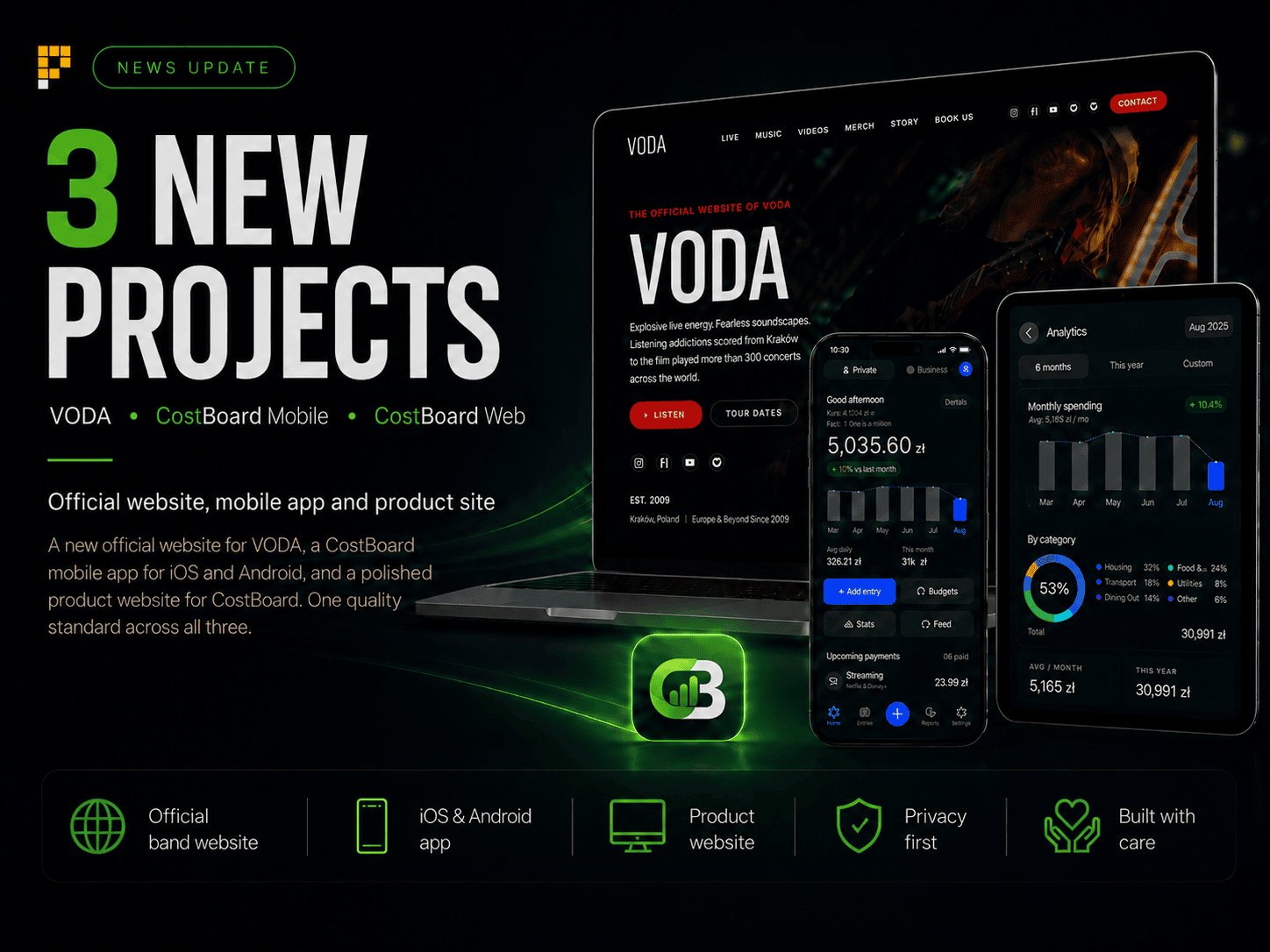
Three mobile apps are being prepared for release: MateOn, CostBoard and TalkWay. Work on them stood still for part of the summer because of a holiday and is only now getting back on track - hence the gap between this post and the previous one. In each of them the code is written, covered by tests and translated, and the store descriptions are ready. What is left is mostly not programming but release formalities: real screenshots from devices, legal pages at the required addresses, testing on physical hardware and getting through review in the stores.
| App | Done | Left to do |
|---|---|---|
| MateOn | The app and the backend, unit tests and E2E scenarios, production infrastructure, store descriptions in 24 languages. | Legal and support pages at public addresses, screenshots, privacy declarations in both stores, signing the production build and testing on devices. |
| CostBoard | Version 1.0.1 with signed Android builds, a passing test suite, interface translations and store descriptions in 24 languages. | Creating the listings in both stores, screenshots from real devices instead of mock-ups, crash reporting, QA on hardware and the mandatory 14 days of closed testing in Google Play. |
| TalkWay | The server and the mobile app, a signed Android package 0.1.1 and a created record in App Store Connect. | Screenshots, the demo video that Google Play requires for recording audio in the background, the iOS build and testing on devices. |
We deliberately do not give completion percentages. None of these projects tracks such a measure, so any number would be guesswork; the items above can be checked one by one.