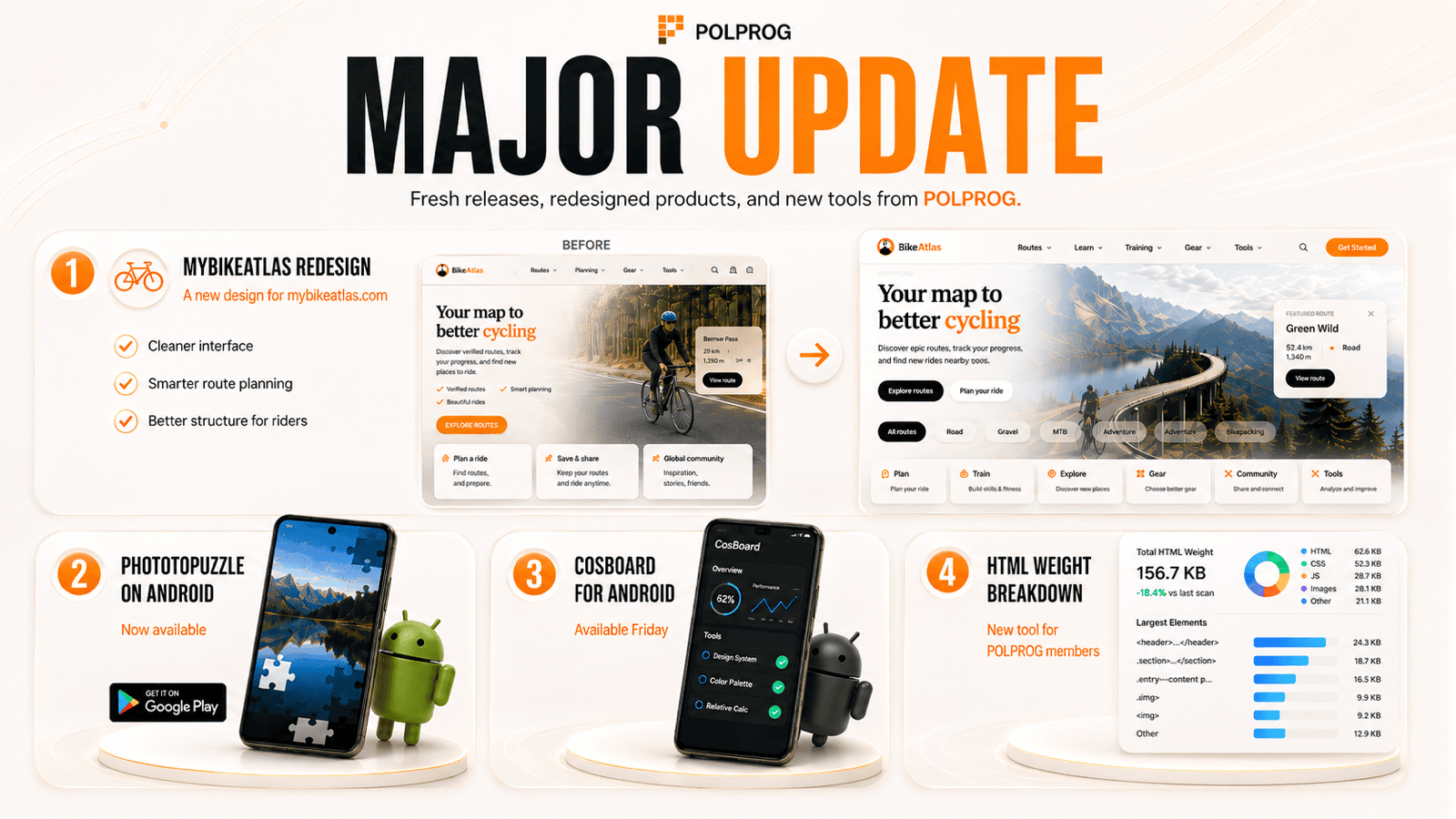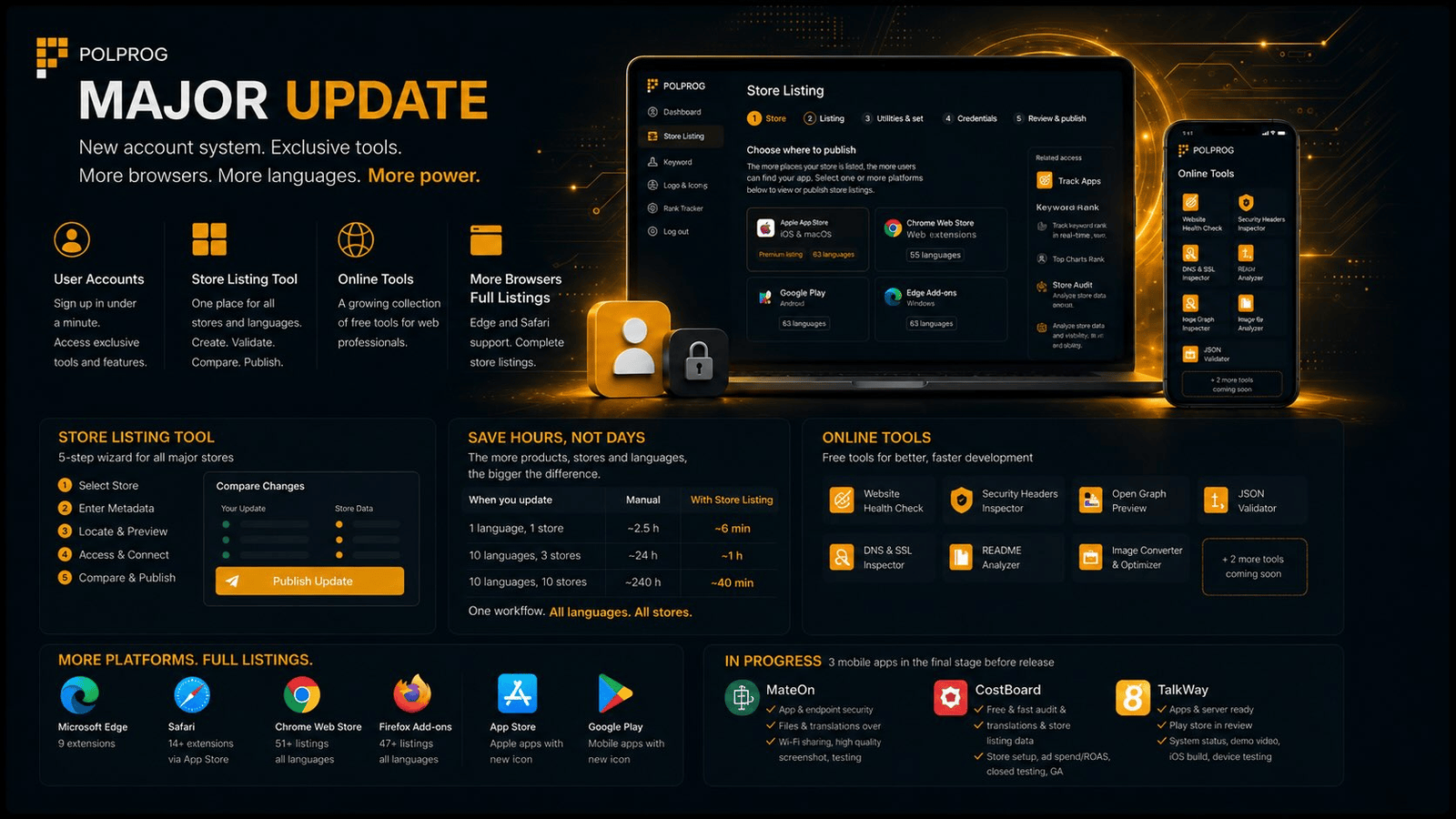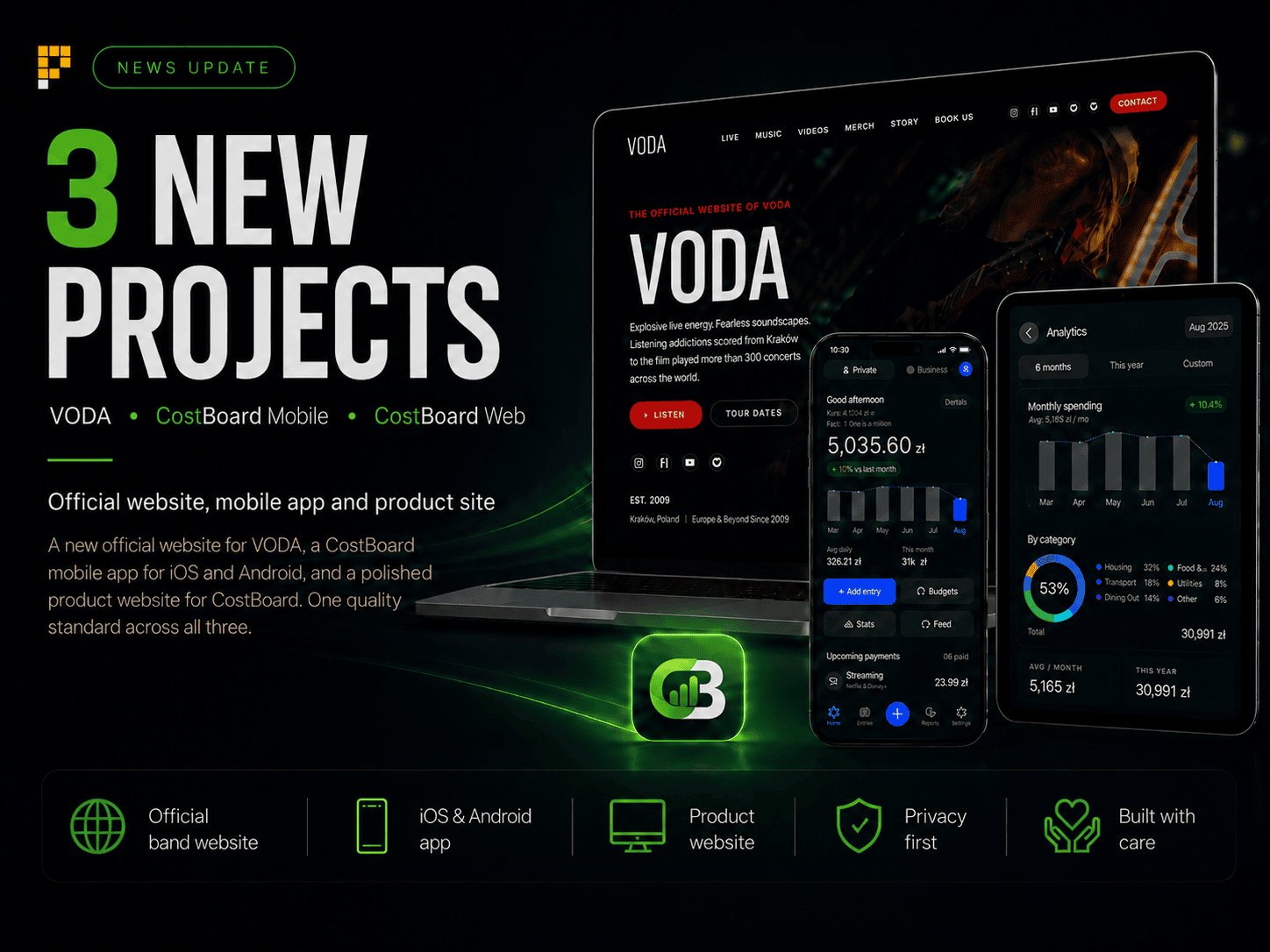
Three different projects, three different needs and one shared standard of execution. We built a new official site for the band VODA, the CostBoard mobile app for Android, and the full product site CostBoard.app.
Over the past weeks we worked in parallel on three projects spanning interface design, web development and mobile applications. Each was made for a different audience. The visual layer, the information architecture and the way the content is presented were fitted to the product individually.
VODA - the official band site
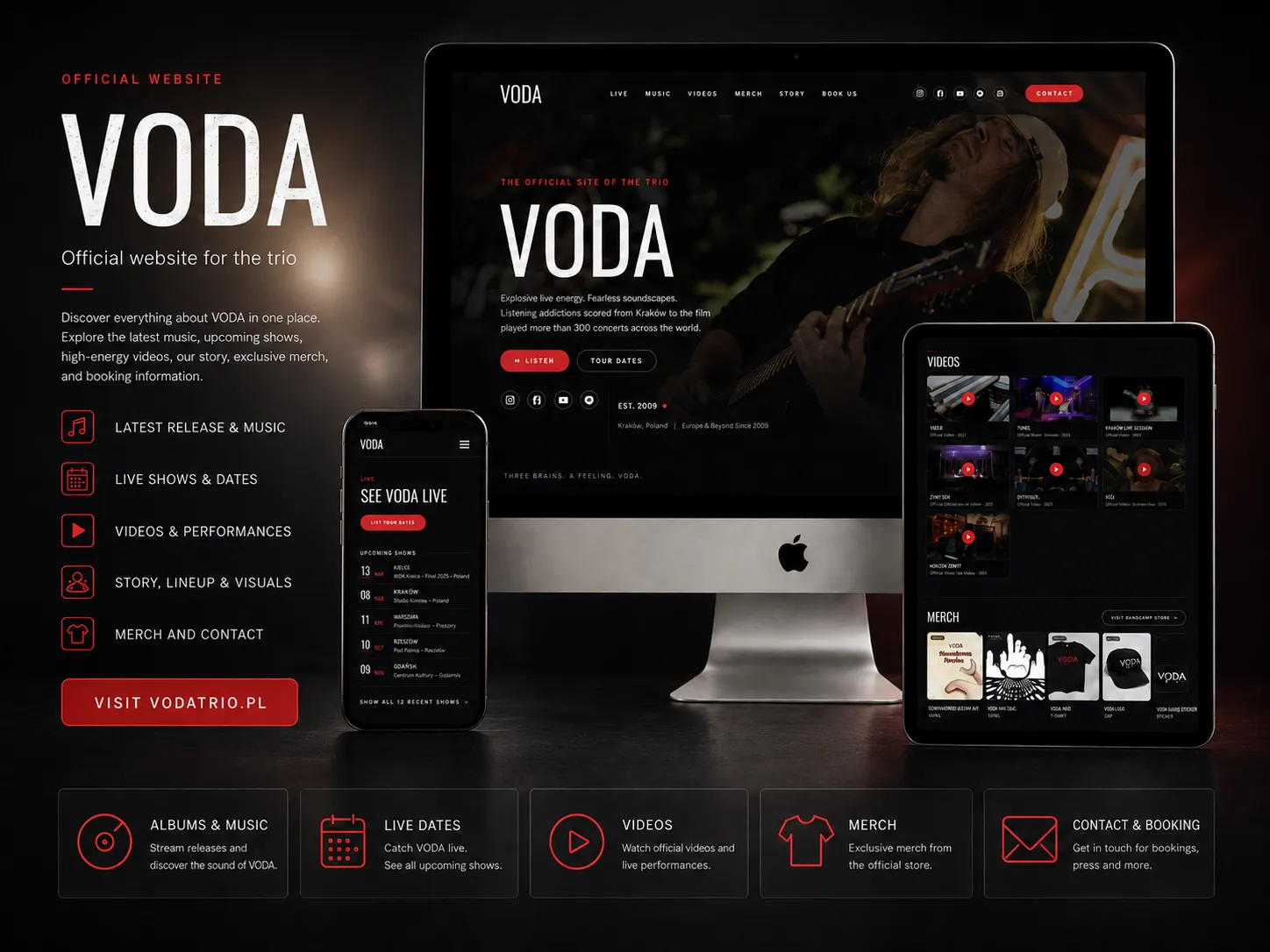
The first of the three is the new official site for the band VODA. It was designed as the central place for listeners, promoters, press and anyone just discovering the group.
VODA is a trio from Krakow, active since 2014, with more than 300 concerts played in Poland and abroad. The new site brings together the music, the concert dates, the videos, the band's history, the store and the contact details for promoters and press.
The main parts of the site:
- Discography and links to the streaming platforms.
- Concert calendar and an archive of past shows.
- Official videos and live recordings.
- The line-up and the band's history.
- The products available in the official store.
- Contact for promoters, press and partners.
The dark treatment, the large live photographs and the red accents were designed to carry the character of the band without getting in the way of the information people came for.
CostBoard Mobile - personal finances and quotes in one app
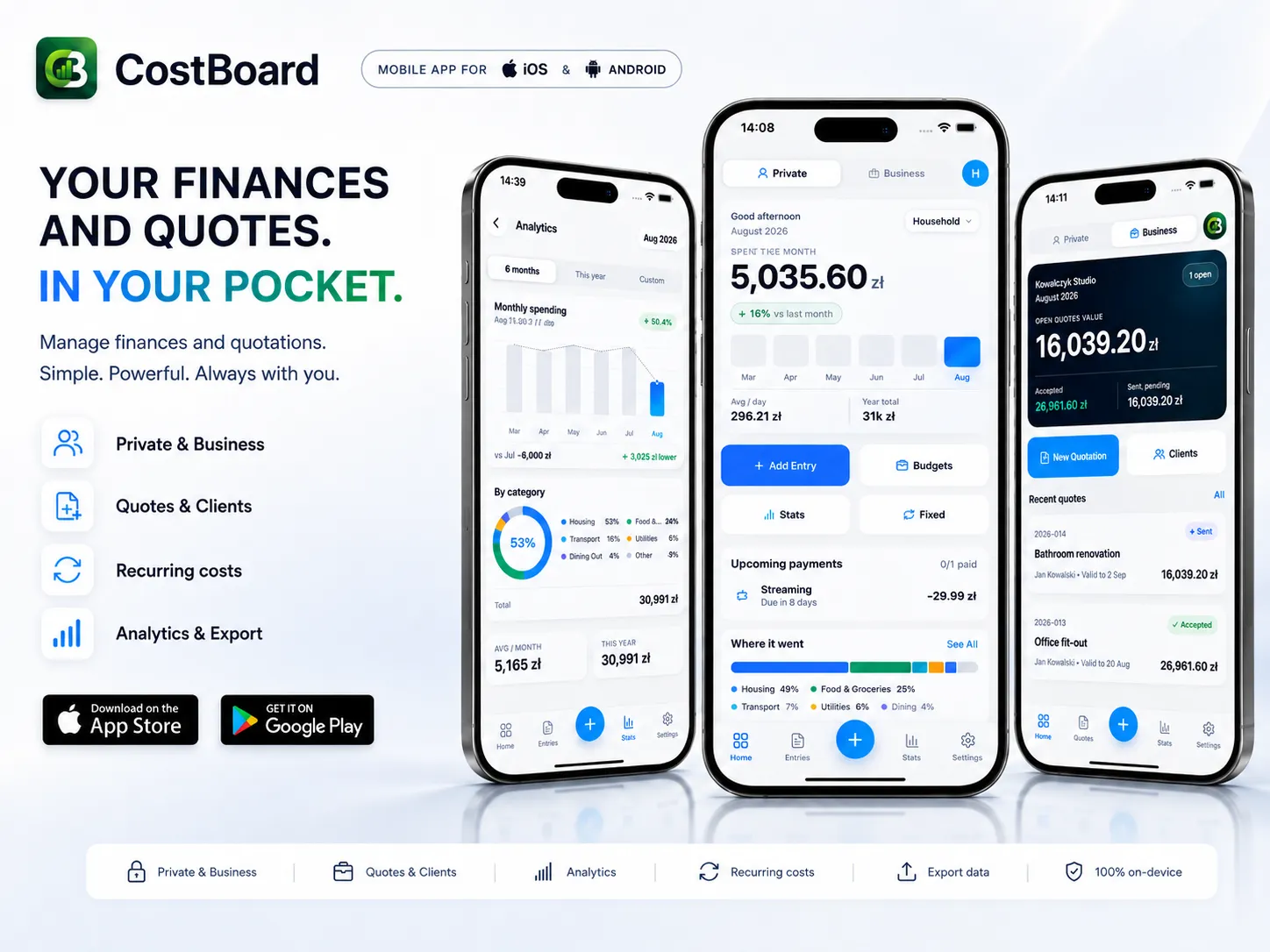
The second project is CostBoard, a mobile app. The Android version is going live on Google Play, and the iOS version is in preparation.
It joins two areas that usually take several separate tools. In Private mode it keeps track of everyday spending, budgets and recurring payments. In Business mode it handles clients and produces professional quotes.
You switch between the modes with a single tap, and the private and business data stay separate from each other.
Private mode covers, among other things:
- Recording expenses.
- Monthly and yearly budgets.
- Recurring costs and reminders.
- Expenses split into categories.
- Change against previous months.
- Charts and financial summaries.
Business mode covers:
- A client database.
- Building detailed quotes.
- Automatic line-item totals.
- Draft, Sent and Accepted statuses.
- The value of open and accepted offers at a glance.
- Export to PDF, email and Excel.
CostBoard asks for no account. Data is processed locally on the device, with no cloud of ours, no ads and no tracking systems. The app also works offline and supports 25 languages and 13 currencies.
CostBoard.app - the site that presents the whole product
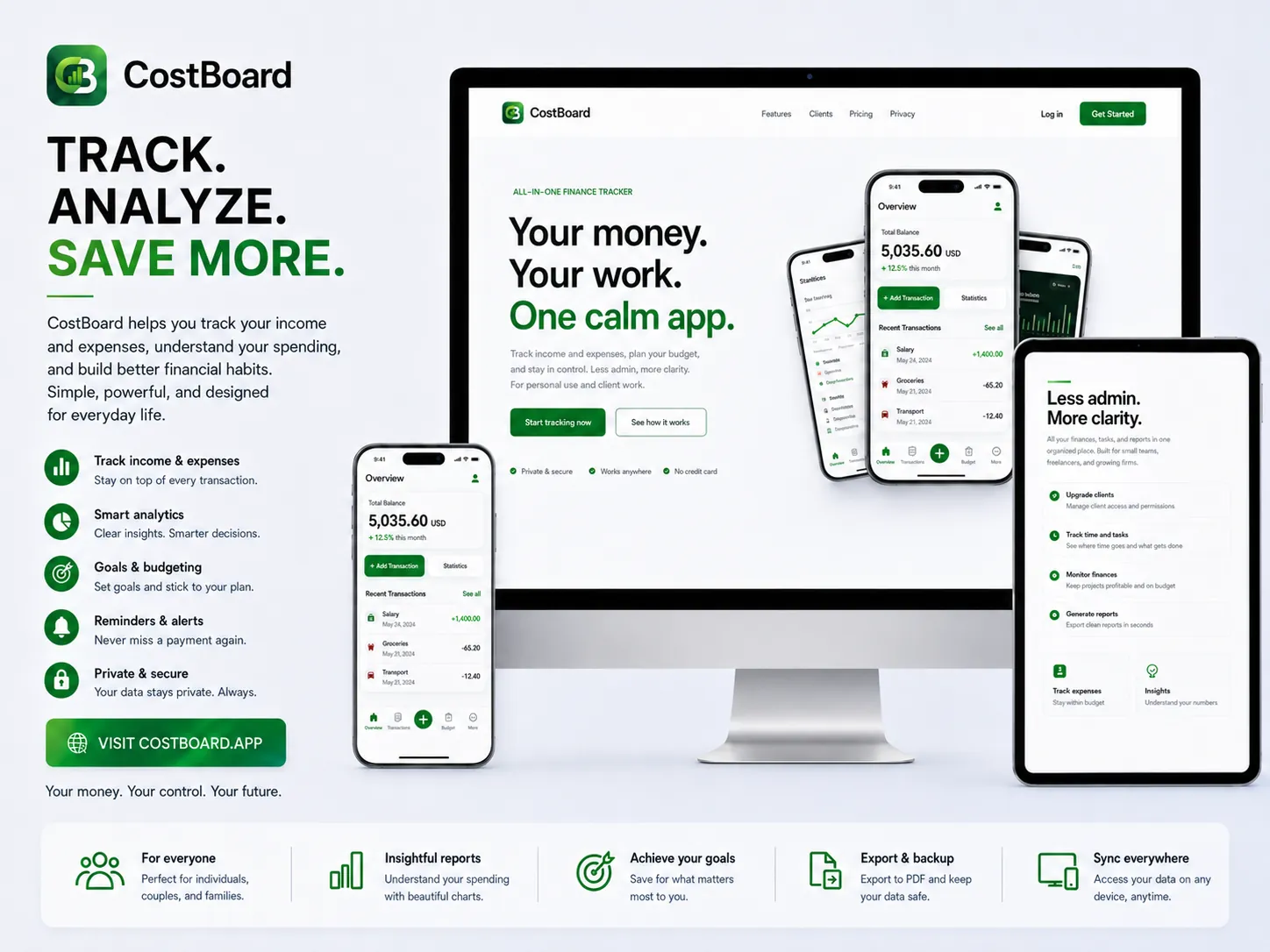
The third project is the official CostBoard.app site. It is not a plain landing page with a button to the store. The site shows in detail how the app works, what its main features are, and the real screens behind each process.
What the site shows, among other things:
- The main financial dashboard.
- Budgets and recurring payments.
- Statistics and the breakdown of spending.
- Private and business mode.
- How a quote is put together.
- A preview of the finished document.
- Export and backups.
- The available themes, languages and currencies.
A substantial part of the site is given to privacy. It states plainly that CostBoard sends no user data to servers of ours, requires no account, and uses neither advertising nor third-party analytics.
The model stays simple: the core personal-finance features are free, while the client and professional-quote capabilities unlock with a single payment, with no subscription. Until the end of 2026, however, the whole app is free, quoting module included.
What comes next
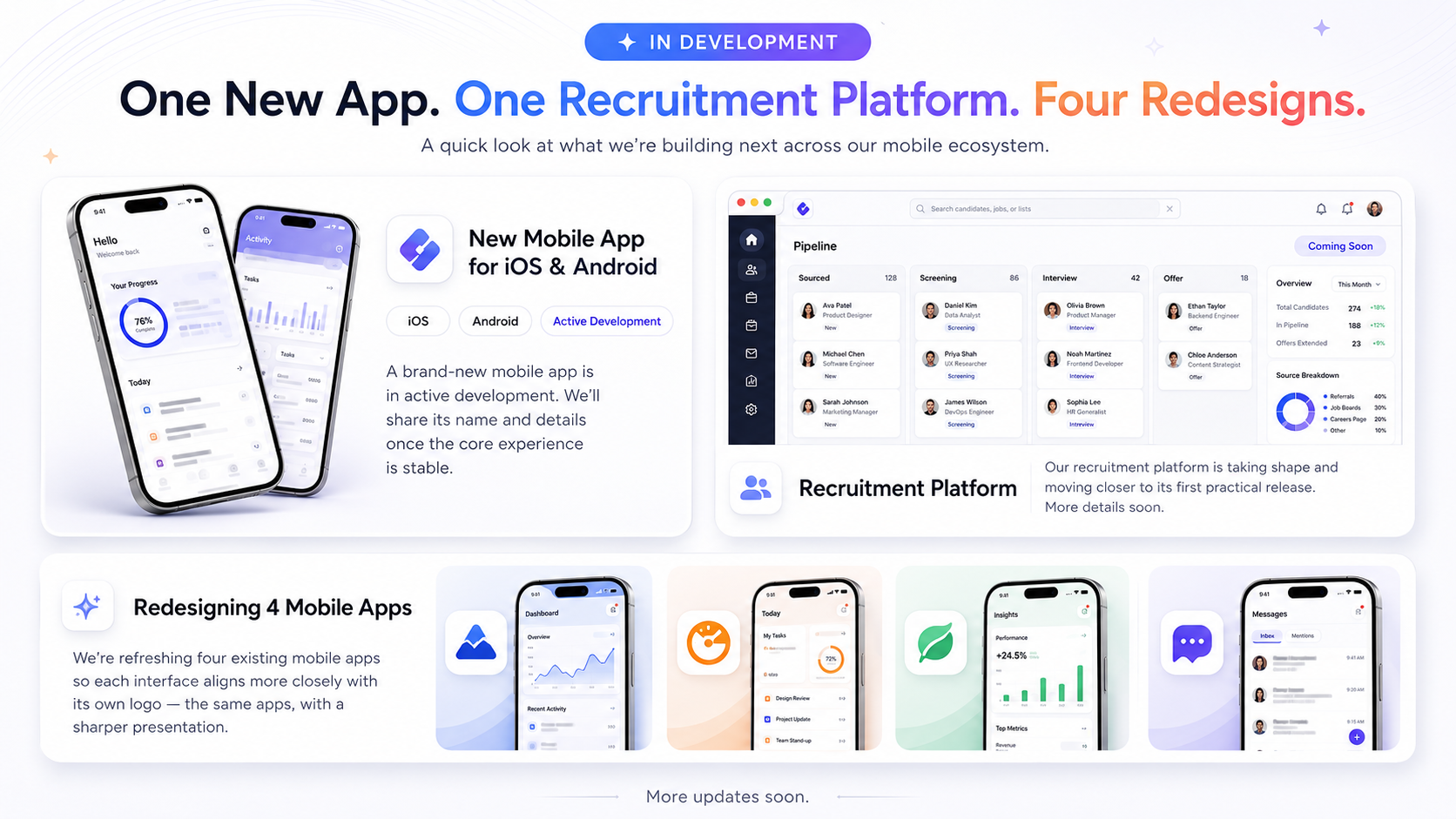
Next week we plan to release another mobile app. We also want to show the first version of the recruitment portal.