
CyberOS 97 - Windows 95 Style PC
A windowed desktop with a dial-up boot, Netscape, Winamp, ICQ, Hotmail, a guestbook, a GeoCities style builder, classic games and a 56k Download Zone.


Three Retro Computers in Your Browser
Boot a Windows 95 style PC, a Commodore Amiga or a Commodore 64, with dial-up tones, retro apps and playable games.
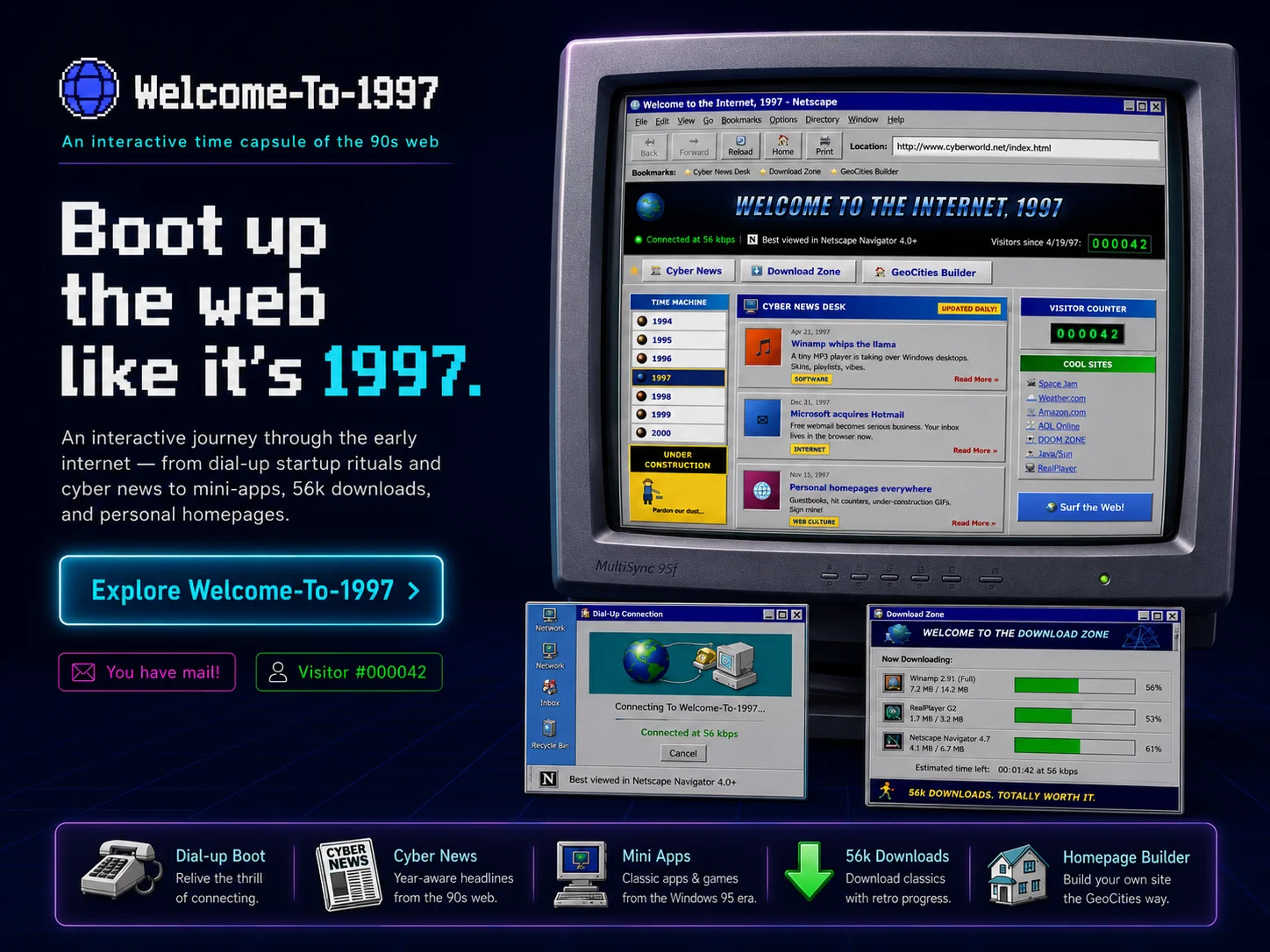
Welcome To 1997 is a retro computing showroom. Instead of a modern landing page it greets you with three legendary machines framed as physical CRT monitors, and lets you boot any of them and switch whenever you like.
Choose CyberOS 97, a Windows 95 style PC that opens with a dial-up handshake and a windowed desktop of mini-apps - a Winamp style player, an ICQ style chat, a Netscape style browser, a Hotmail style mailbox, a guestbook, Cool Links, classic games and a 56k Download Zone, plus a GeoCities style homepage builder. Choose the Commodore Amiga 500 and its blue Workbench 1.3 desktop, with draggable windows, an AmigaShell, Deluxe Paint, a ProTracker music tracker and the Boing Ball. Or choose the Commodore 64, an authentic BASIC V2 screen with a real interpreter and a disk of loadable programs you LOAD and RUN, from Pac-Man and Boulder Dash to a SID player and a demoscene demo.
The landing closes with a then versus now hardware comparison: a spec table and logarithmic charts that trace memory and clock speed from 1982 all the way to a 2026 PC.
The most important capabilities, explained in practical terms.
A windowed desktop with a dial-up boot, Netscape, Winamp, ICQ, Hotmail, a guestbook, a GeoCities style builder, classic games and a 56k Download Zone.
The blue Workbench 1.3 desktop with draggable windows, an AmigaShell, Deluxe Paint, a ProTracker tracker, the Boing Ball and Amiga game classics.
An authentic blue BASIC screen with a real, typeable interpreter - PRINT, FOR, GOTO, LIST, RUN and the famous one-line maze.
List a disk directory and RUN real titles: Pac-Man, Boulder Dash, Frogger, Snake, GEOS, a SID music player and a demoscene demo.
Draw in Deluxe Paint, sequence patterns in ProTracker, edit icons and tinker with each machine's own apps - working tools, not just chrome.
Modem handshake tones, a 56k Download Zone, an optional CRT scanline mode and period-correct chrome across every system.
A closing hardware comparison: a spec table and logarithmic charts tracing memory and clock speed from 1982 all the way to a 2026 PC.
A clear path from the official source to your first successful workflow.
Use one of the official links available for your device or browser.
Follow the store instructions or open the web application. No third-party installers.
Review the options, choose your preferences and start with the core workflow.
A transparent look at the core technologies used to build and maintain this product.
Your data stays on your device. Always.