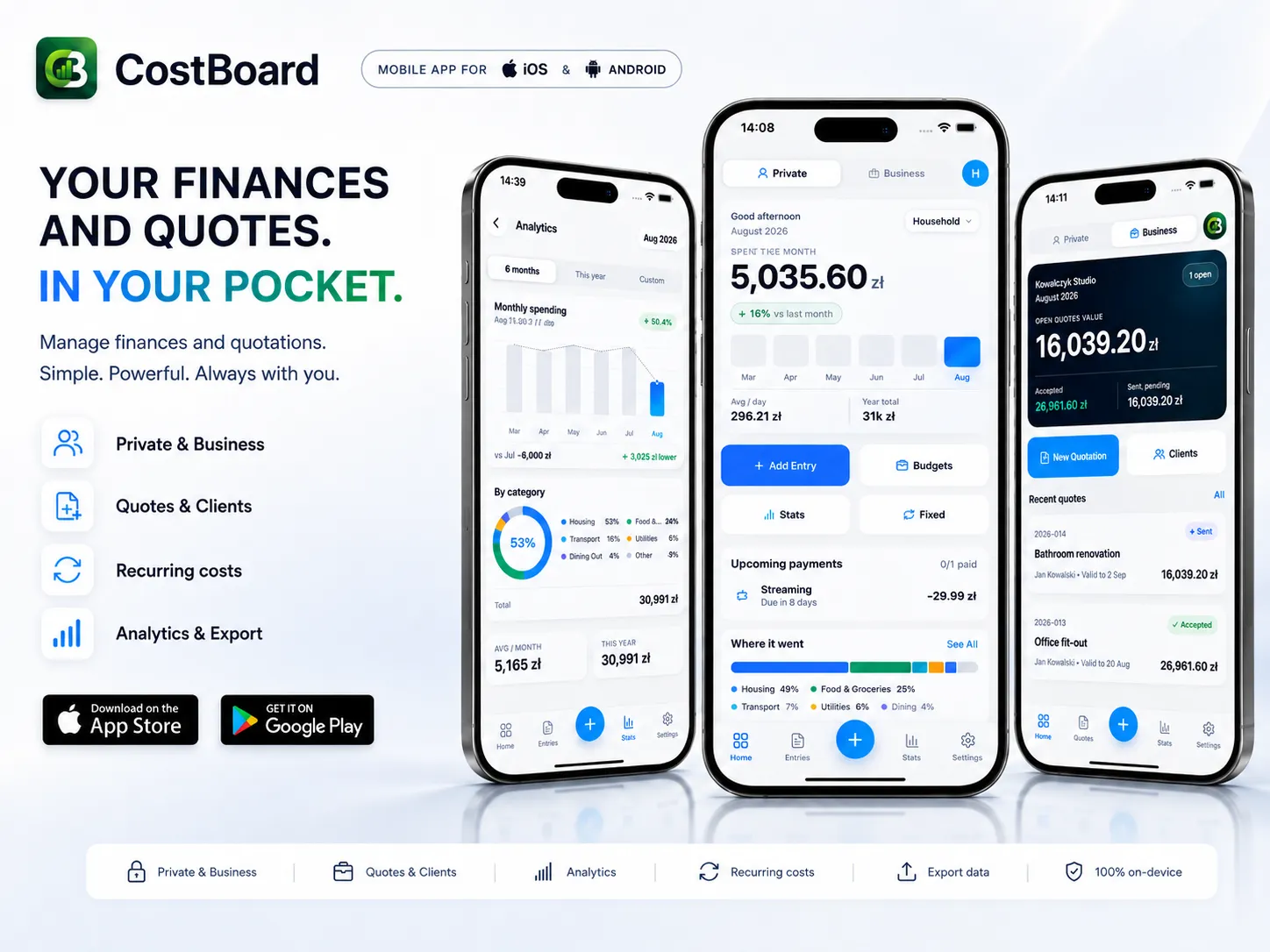
A household budget can still be run in a spreadsheet. A renovation cannot, because it has to be counted separately from the weekly shop if you want to know at the end what it really cost. And if you renovate for a living, a third thing joins in: the quote a client wants to see on the spot, not in two days' time. CostBoard handles all three situations in one app.
Who it is for
- For running a home. Expenses land in a project with its own categories and monthly budget. Renovating the flat is a separate project, so its cost is visible as a whole rather than blurred into September's bills.
- For contractors. A company profile, a client list and templates make it possible to draw up a complete quote in a few minutes and send it to the client as a PDF, while the site visit is still going on.
Compared with a spreadsheet
A spreadsheet will do all of this, provided you build it for the purpose yourself and then keep it maintained. Six things that are ready here:
- Home and business do not mix on their own. In a spreadsheet you keep them in separate files or tabs and police the boundary yourself. Here a single switch keeps them apart.
- The budget warns you before you go over it. Limits and conditional formatting are things you set up by hand in a spreadsheet. The built-in budget shows on its own whether you are below the threshold, close to it or already above.
- Recurring costs come back without a reminder. In a spreadsheet you watch a column and keep the dates in your head. Here you mark a cost as recurring once, and the monthly totals, the yearly ones and the reminders work themselves out.
- A quote is a finished document, not a template. In a spreadsheet you design your own layout, your own numbering and your own export. Here you get line items, VAT, automatic numbering, a Draft, Sent, Accepted flow and a PDF at the end.
- You do not start by building the tool. A spreadsheet model has to be designed before the first use and maintained with every change. Here you install the app and enter the first cost, and we maintain the logic.
- The data stays on the phone. What becomes of a spreadsheet depends on whose machine the file sits on and where. The app works with no account and offline, with no advertising and no tracking scripts.
The full list of 45 differences is on CostBoard.app.
Privacy is not a feature, it is a premise
The app has no server for your data to reach. Everything is computed and stays on the phone, with no account and no email address. Anyone who wants to guard against losing the device can turn on a cloud backup: it is anonymous and end-to-end encrypted, and the identity is an Account Key that only you hold. Without that key nobody, ourselves included, can read what the backup contains.
Reach
The interface in 25 languages and amounts in 13 currencies. A light theme, a dark one, or whatever the system is set to.
What it costs
Until the end of 2026 the whole app is free, quoting module included. From 2027 the personal-finance side stays free permanently: unlimited expenses, budgets, charts and every theme, while the quoting module unlocks with a single payment and no subscription.